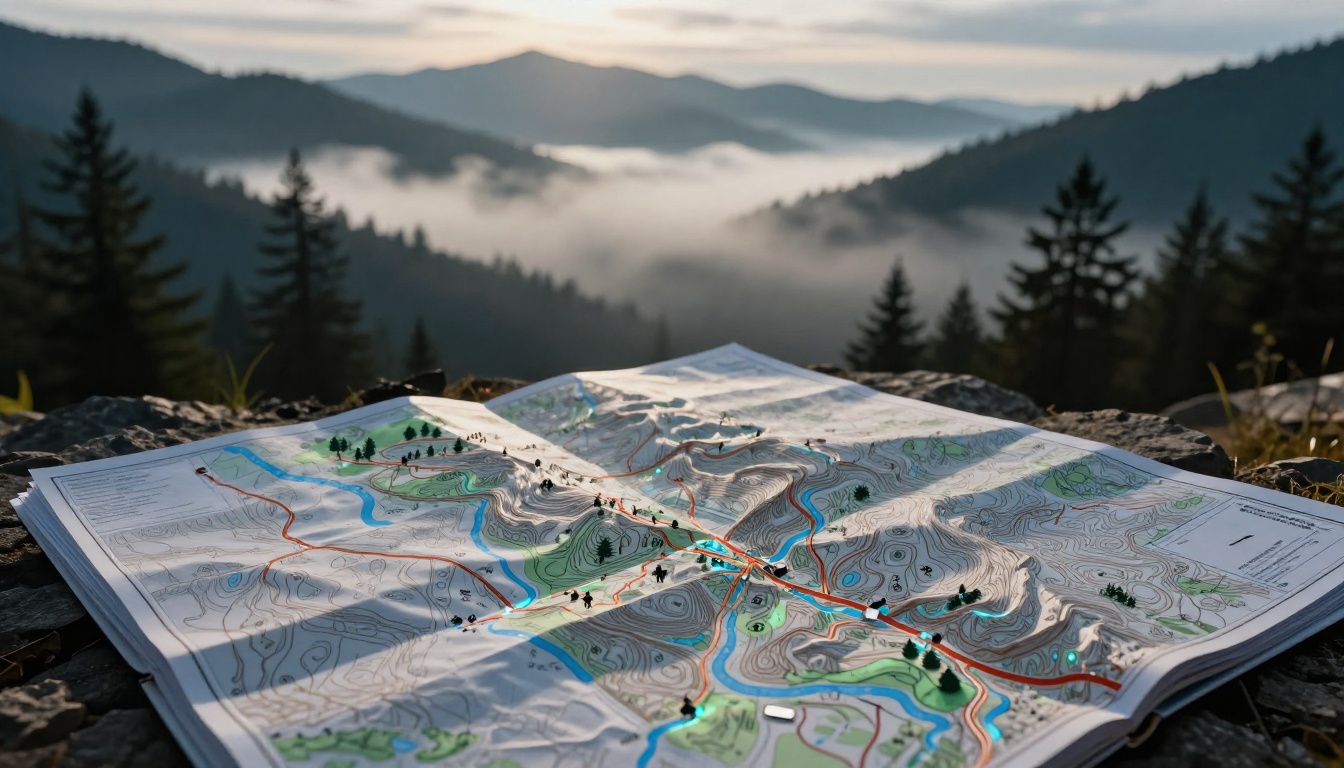
You grab a map for a weekend hike. Squiggly brown lines confuse you. A dashed blue line looks like water, but is it safe? Suddenly, you’re lost because those map symbols hide the terrain’s secrets.
These icons form a simple code. They mark hills, roads, rivers, and spots of interest. Symbols differ by map type, from rugged topo charts to city road guides. You’ll decode the basics here for topo, road, nautical, and tourist maps.
Best part? 2026 tools like apps with AI scans make learning fast. Stick around. You’ll spot peaks and avoid hazards without weeks of study.
Crack the Code of Topographic Map Symbols First
Topo maps show the land’s shape. Hikers and climbers rely on them. Brown lines reveal hills before you step foot outside. Blue marks water flows. Green shades forests. Black or red lines trace roads and rails.
Colors stay consistent in USGS standards. Brown handles elevation. Blue covers water. Green means plants. Black or red shows human work. Always check the legend, though. Slight tweaks happen per area.
For example, close brown lines signal steep climbs. Wide gaps mean easy walks. This view lets you plan routes smartly. No need to guess.
Contour Lines and Landforms That Reveal Hidden Terrain
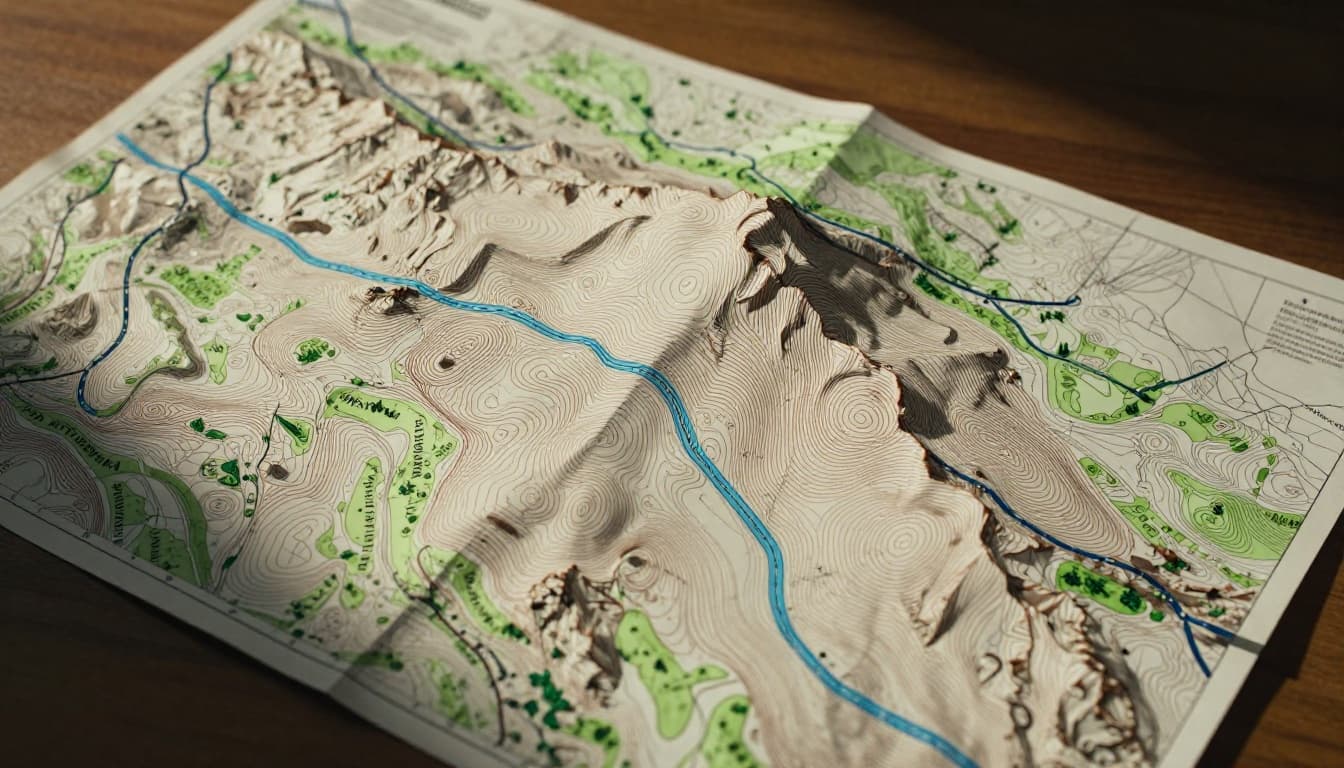
Contour lines join spots at the same height. They bend around hills like invisible height bands. Tight spacing shows steep drops or cliffs. Wide lines signal flat ground.
Peaks appear as small circles or dots inside loops. Saddles form U-shapes between hills. Parallel lines hug cliffs. Trace them with your finger. Picture yourself climbing as lines squeeze closer.
This trick builds a 3D view from paper. Steep spots demand caution. Gentle slopes invite longer treks. Practice on a sample map. You’ll see terrain jump alive.
In addition, USGS topo maps updated in 2026 refresh with new data. They pull from lidar scans for sharper details. Check the USGS topographic map symbols page for official breakdowns.
Spotting Water, Woods, and Roads on Topo Maps
Blue lines map streams. Solid ones flow year-round. Dashed show seasonal trickles. Shaded blue fills lakes or ponds. Watch for these to skirt floods.
Green patches blanket forests or thick brush. Open spots mean clear paths. Roads come in black or red. Thick red lines mark highways. Thin black trails suit foot travel. Ticks along lines signal railroads. Dams block blue flows with special marks.
Buildings dot as black squares. Bridges cross water neatly. These clues help pick safe paths. Avoid dense green during fire season. Plan around streams for dry camps.
Road Map Icons That Keep You on Track Without Stress
Road maps guide drivers daily. Thick lines show big routes. Thin ones cover local streets. Icons flag stops like gas or food. You’ll dodge wrong turns easily.
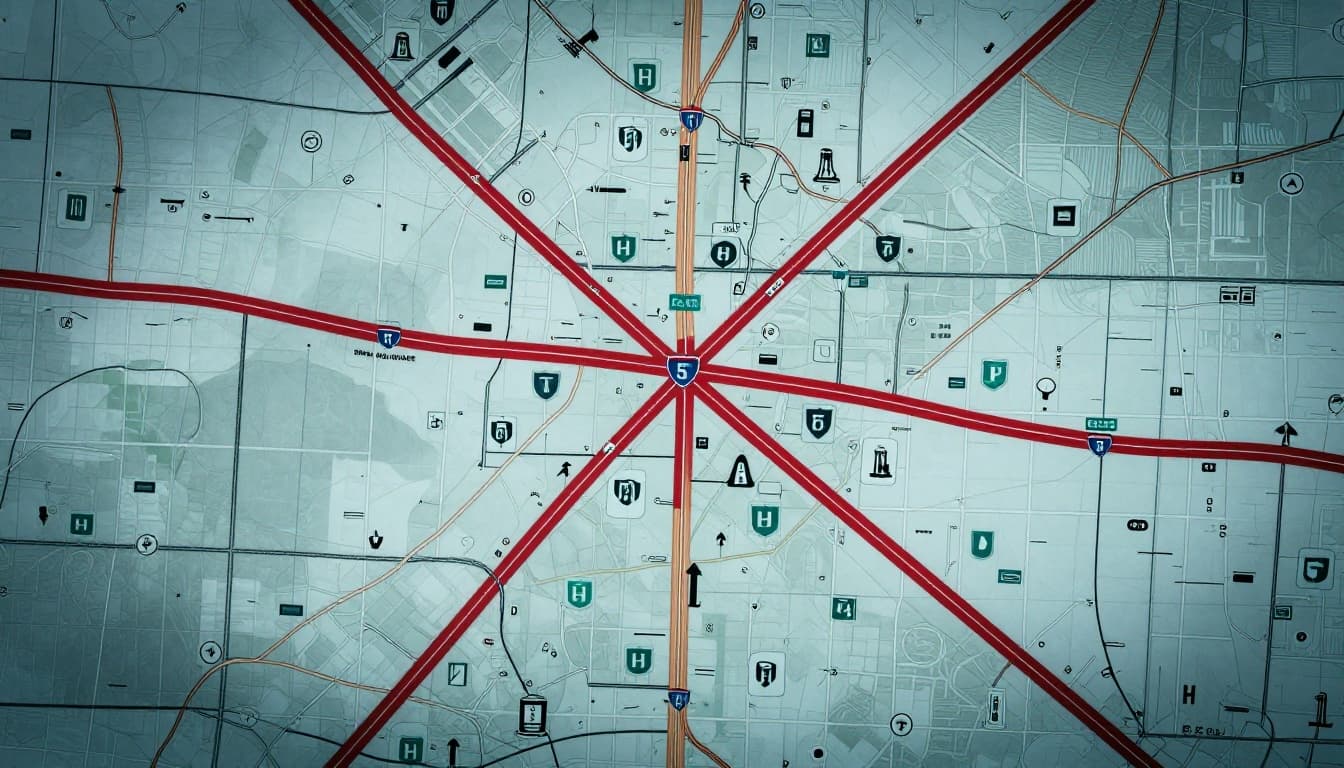
Standards come from federal guides, but legends confirm details. Red or black dominate highways. Green shields note interstate numbers. Arrows point one-way paths. Circles mark exits.
Landmarks help too. H for hospitals. Airplane for airports. Gas pumps promise fuel. These keep trips smooth. Spot them early for rest breaks.
Highways, Exits, and Direction Arrows Explained
Thick lines mean interstates or major highways. Double lines with gaps show divided roads. Thin lines fit neighborhoods. Route numbers sit inside shields.
Exits appear as dots or circles. Arrows curve for turns. Straight ones confirm go-aheads. Rest areas have picnic icons. Hospitals get bold H marks.
For standards, see the MUTCD guide on road signs. It lists symbols clearly. Next time, glance ahead. Plan stops without stress.
Nautical Charts: Symbols for Safe Waters and Hidden Dangers
Boaters trust nautical charts for ocean floors and risks. Blue contours mimic topo lines underwater. Numbers note depths in feet. Hazards demand respect.
NOAA sets U.S. rules. Legends explain local tweaks. Shorelines use solid for cliffs, dotted for flats. Bridges span in black. Piers jut out.
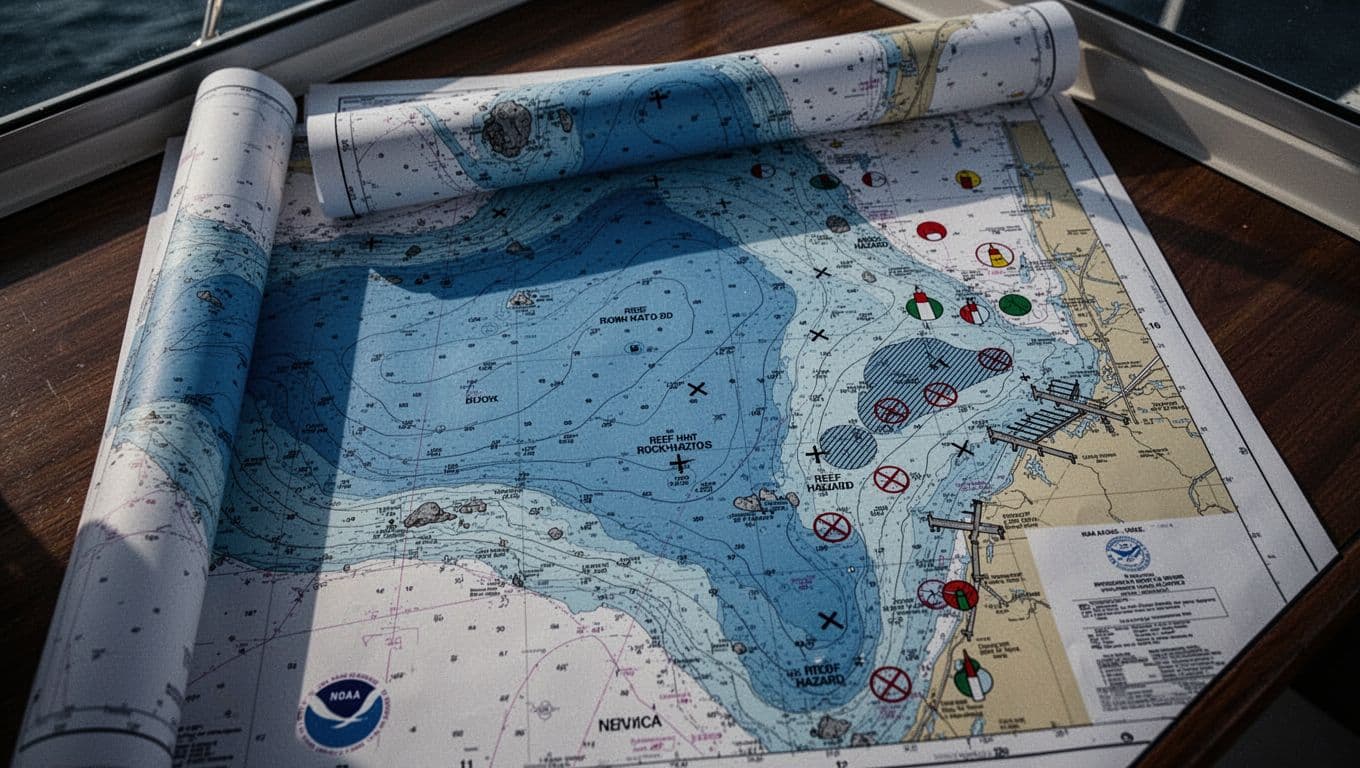
Reefs hatch in patterns. Rocks dot or X-mark. Wrecks cross like danger flags. Buoys circle in red or green. Lights blink from towers.
Skip these spots. Calm sails follow safe channels.
Depths, Hazards, and Navigation Aids at Sea
Depth contours bend like land ones. Higher numbers mean deeper water. Low spots hug shallows. Rocks speckle as stars or plus signs. Reefs hatch wide.
Wrecks cross boldly. Follow buoys for channels. Red right returning hugs starboard. Green marks port side. Lights flash patterns from aids.
Check NOAA Chart No. 1 for symbols. It details every mark. Deeper water eases passage. Hazards stay clear.
Tourist Maps: Fun Pictograms for Trails and Attractions
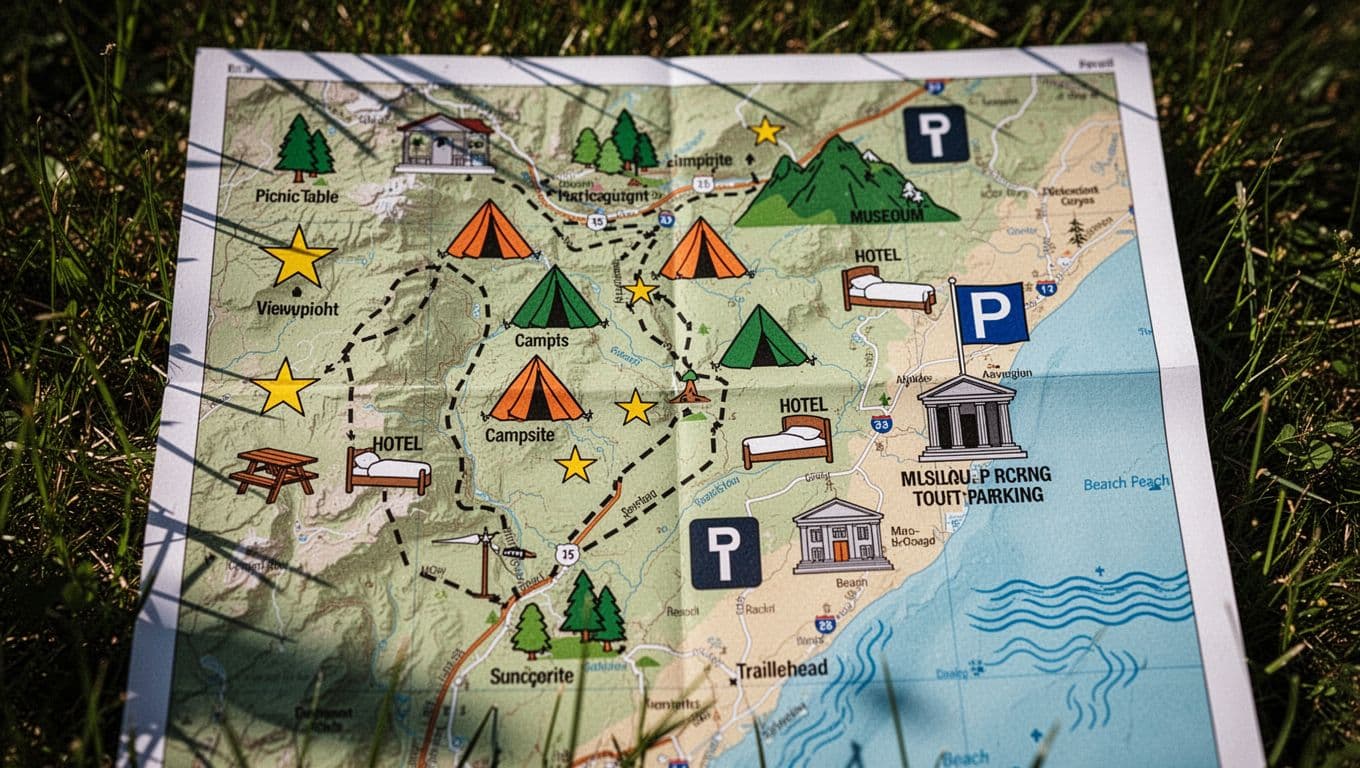
Tourist maps use pictures for quick reads. Dashed lines trace trails. Trailheads mark with T or parking lots. Stars or eyes flag viewpoints.
Tents spot camps. Tables mean picnics. Beds show hotels. Flags over buildings signal museums. Wavy lines hug beaches.
These simplify sightseeing. Spot hidden gems fast. Families love the easy icons. No deep study needed.
Lightning-Fast Ways to Memorize Map Symbols in 2026
Master symbols in days, not months. Flashcards build recall. Apps add AI twists. Practice turns flat paper into instinct.
2026 trends boost this. AI scans photos for instant explanations. AR overlays blend maps on real views. Free tools abound.
Start small. Ten minutes daily works wonders.
Flashcards and Apps That Make Learning Stick
Make flashcards from USGS PDFs. Front shows symbol. Back lists meaning. Quizlet or Anki apps space reviews.
Gaia GPS shines with offline legends. Tap for pop-ups. Its map legends guide lists layers. AllTrails offers trail symbols via its map legend.
Avenza scans imports. CalTopo customizes keys. Scan a photo. AI names contours or buoys. AR shows trails live.
| App | Key Feature | Best For |
|---|---|---|
| Gaia GPS | AI legends, AR overlays | All maps, offline |
| AllTrails | Trail quizzes, voice aids | Hiking symbols |
| Avenza Maps | Photo scans, pop-ups | Nautical, topo |
| CalTopo | Custom keys | Planning routes |
These cut study time. Pick one. Symbols stick fast.
Hands-On Practice and Free Resources for Quick Wins
Download free maps from USGS TopoView. Print legends. Trace contours outdoors.
Simulate hikes. Quiz yourself on roads or buoys. YouTube’s Navigation 101 videos run five minutes. Apps like Gaia add AR practice.
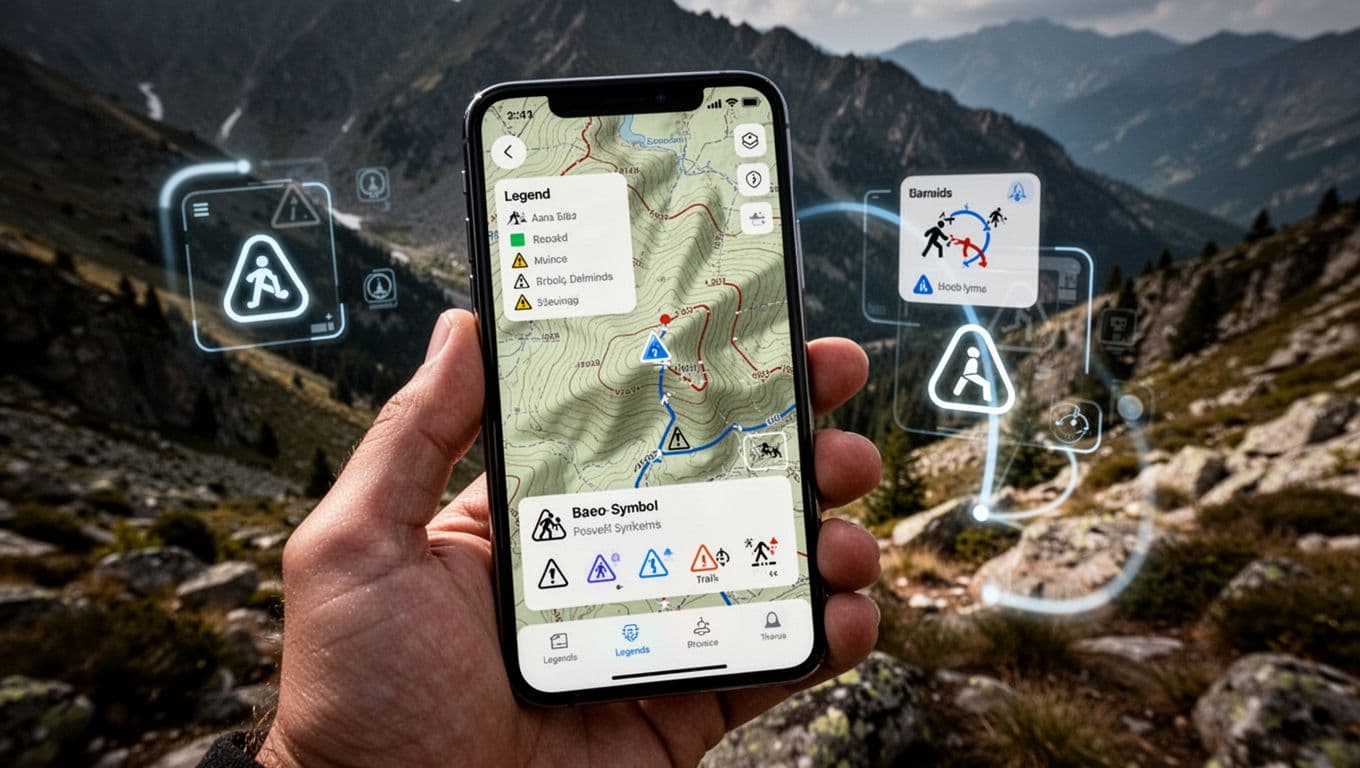
Phone in hand, overlay real land. Symbols click. Do this daily. You’ll read any map confidently.
Map symbols unlock adventures. Contours spot peaks on topo charts. Road icons guide drives. Nautical marks dodge reefs. Tourist pics find views. Legends hold the key.
Apps and flashcards speed it up in 2026. Grab a USGS PDF or Gaia app today. Practice on your next outing.
What’s your first “aha” symbol? Share in comments. Hit a local trail. Explore without the lost feeling.