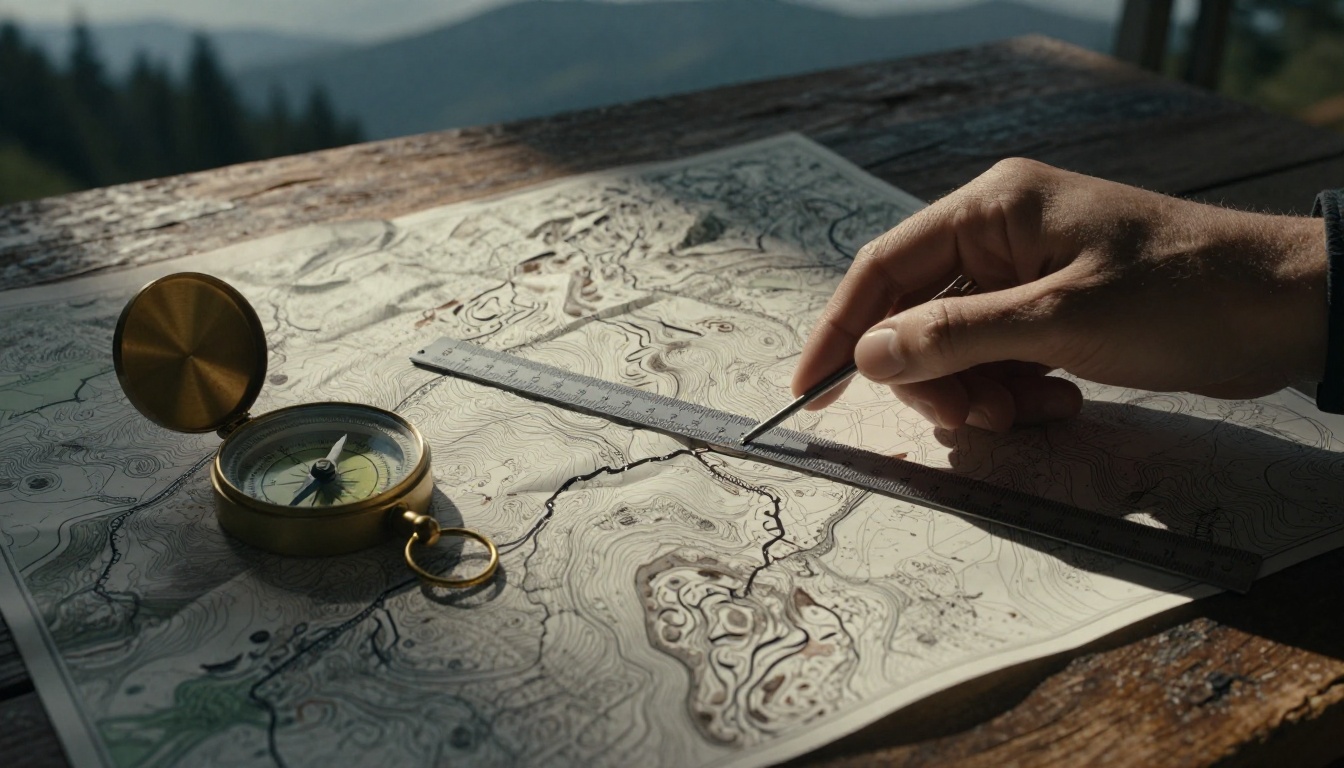
You head out for a hike, excited about the trail ahead. But halfway in, you realize your guessed distance was way off. Now you’re tired, low on water, and questioning your plan. Maps fix that problem every time. They give exact distances for trips, orienteering events, or even daily drives.
Paper maps or apps both work well. You just need the right skills to read them. This guide breaks it down simply. First, grasp scales. Then measure straight lines and curves on paper. Switch to apps for speed. Avoid pitfalls, and check 2026 updates. You’ll gain confidence fast.
Understand Map Scales to Make Measuring a Breeze
Scales turn a tiny map into real-world miles. They show how distances shrink on paper. Without them, guesses lead to errors. Always check the scale first.
Most maps have three types. Scale bars look like a ruler with marks for km or miles. Representative fractions read like 1:50,000. That means 1 cm on the map equals 50,000 cm outside. Verbal scales say “1 inch equals 1 mile.”
Topo maps from the USGS often use 1:24,000. Spot them in the legend or bottom edge. Printing can distort them, so measure carefully. For example, on a city street map, a scale bar helps you see if two spots sit 5 miles apart.
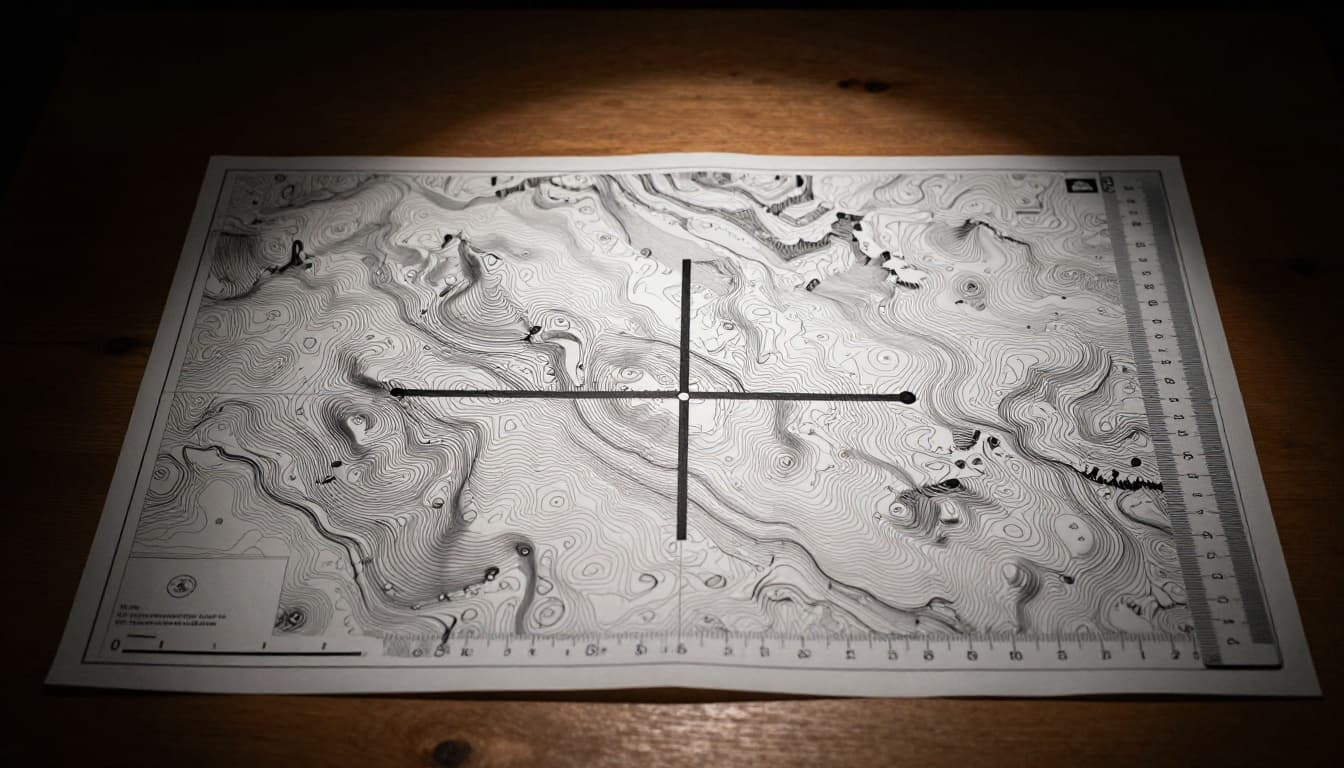
This image shows a topo map with a scale bar. A ruler lines up against a drawn path for quick checks.
Spot Scale Bars and Ratio Scales Fast
Look at map corners or the legend box. Scale bars sit there as straight lines with labels. Match your ruler to them directly. No math needed.
Ratio scales demand simple math. Say you measure 5 cm on a 1:50,000 map. Multiply 5 by 50,000. You get 250,000 cm. Divide by 100,000 for km. That’s 2.5 km total. Practice makes it quick.
For details on topo map scales, check REI’s guide to reading topo maps. It covers legends clearly.
Scale Types and When to Use Each
Scale bars shine if you enlarge the map. They stay accurate. Ratios need recalculation but work for precise math. Verbal scales read easy, like “2 cm to 1 km,” yet zoom changes them.
Road maps favor verbal scales for drivers. Topo maps use ratios for hikers. Pick what fits your map. In addition, always note the units. Miles suit US roads; km works worldwide.
Step-by-Step Guide to Straight-Line Distances on Paper Maps
Straight lines give “as the crow flies” distances. They ignore roads or hills. Use a ruler for these. Perfect for quick overviews.
Find your points first. Then draw if needed. Measure and convert. Compass rulers add direction for angled lines.
Grab Your Ruler and Follow These Steps
- Pick points A and B on the map. Label them lightly with pencil.
- Draw a straight line between them. Keep it faint so you erase later.
- Place a ruler along the line. Measure in cm or inches. Note the length, say 3 cm.
- Check the scale. On a 1:25,000 map, multiply 3 by 25,000. Get 75,000 cm or 750 meters.
- Convert units. Divide meters by 1,000 for km. Write the final distance.
Test on a known spot, like home to school. Results match real drives closely for straight paths.
Measure Winding Paths on Paper Maps with a Simple String Trick
Roads twist. Rivers bend. Straight rulers fail here. Strings follow curves perfectly.
Lay string along the path. Mark ends. Straighten it out. Measure against the scale. This copies real travel routes.
Topo maps with contour lines suit this best. It shows trails over hills accurately.
Perfect for Roads, Trails, and Rivers
Get a flexible string, about 12 inches long. Or use a thin paper strip.
Follow the path closely. Press it into every turn.
Pinch the ends. Pull straight.
Measure the string length. Convert with your scale, same as before.
Use colored string for better visibility on busy maps. Repeat for long paths by marking sections. Add them up at the end.
Measure Distances Instantly with Google Maps and Top Apps
Apps beat paper for speed. No rulers required. Tap and go.
Google Maps leads the pack. FreeMapTools and others add extras. They update in real time.
Switch units easily. Add points for curves.
Google Maps on Phone or Computer
On mobile, open the app. Touch and hold your start point. A red pin drops.
Tap “Measure distance.” The bottom panel opens.
Move the map. Tap to add points along the path. Lines connect them. Total shows in miles or km.
Drag points to adjust. Use “Undo” or “Clear.” As of March 2026, toggle units in settings for miles or km.
Desktop works similar. Right-click to start. Click “Measure distance.” Follow the path.
For a full tutorial, see Make Tech Easier’s Google Maps distance guide.
Handy Alternatives Like CalcMaps
CalcMaps offers quick clicks. Zoom to your area.
Click start point. Add points for the route. It shows miles, km, or feet instantly.
Great if you avoid Google. No login needed. For the tool itself, visit CalcMaps distance calculator.
Dodge Common Mistakes and Nail Accurate Measurements Every Time
Wrong units trip up beginners. Copies shrink scales. Curves demand strings.
Double-check everything. Practice builds speed.
Top Errors Newbies Make and Fixes
Forget to convert cm to km. Divide by 100,000 after multiplying scale.
Use the wrong ruler side. Metric maps need cm marks.
Skip curves on roads. Switch to string right away.
Pro Tips for Spot-On Results
Verify the scale legend each time. Maps vary.
Practice on known distances first. Like your daily commute.
Pair with a compass for bearings. That adds direction.
Cool New Ways to Measure Maps in 2026
Tech smooths measurements now. Google Maps auto-snaps to roads better. Add points faster with hints.
AR apps overlay distances via phone cameras. Point at a hill; get meters instantly.
Voice commands work too. Say “measure to that peak” in apps.
Wearables track eye movements for hands-free reads. Integration feels natural, no big 2026 overhauls from last year. However, scale bars show always in settings.
Ready to Map Your Next Adventure
Scales start every measure. Straight rulers handle direct paths. Strings trace curves. Apps like Google Maps speed it up. Skip mistakes by checking twice.
Practice on your next trip plan. Grab a map or open an app today. You’ll nail distances confidently.
Share your tips in the comments. What’s your go-to method?