Picture this: you’re on a backcountry hike, cell signal vanishes, and panic sets in as you stare at a blank screen. That lost feeling hits hard without directions. But here’s good news. GPS uses satellites, not internet, so offline maps keep you on track anywhere.
Spotty connections ruin trips, from road adventures to remote trails. Offline maps fix that by letting you navigate, search spots, and get turns ahead of time. You’ll save data, battery, and stress. In this post, you’ll learn top apps like Google Maps, Apple Maps, Maps.me, OsmAnd, and Organic Maps. Plus, simple download steps and 2026 tricks for smooth use.
Why Offline Maps Beat Spotty Internet Every Time
Offline maps shine because they work without data costs. You avoid surprise bills on international jaunts or long drives. They pull through in remote spots like national parks, where signals drop.
GPS stays reliable. Phones now tap multiple satellites in 2026, hitting accuracy within 5 meters even in forests or deserts. So, you get precise turns without live internet. Full features kick in too: search places, view details, follow routes. No live traffic, but basics cover most needs.
Battery life improves. Apps sip power since they skip constant data pulls. Privacy wins big; no location sharing with servers. For example, hikers plot trails ahead and explore freely.
Here’s a quick look at popular options:
| App | Best For | Typical Size (US Area) |
|---|---|---|
| Google Maps | City drives, roads | 1-2 GB |
| Apple Maps | iPhone integration | 500 MB-1 GB |
| Maps.me | Travel, worldwide | Under 1 GB |
| OsmAnd | Hiking, custom maps | 200-500 MB |
| Organic Maps | Privacy, trails | 300 MB |
This table shows why choices fit different trips. Offline maps let you stay safe and roam bold.
Download Offline Maps on Google and Apple: Simple Steps for Beginners
Start with built-in apps you know. They pack rich details for everyday use. Download over Wi-Fi to save data. Always check storage first; areas run 100 MB to 2 GB.
Test routes before you go. Apps auto-switch to offline mode when signals fade. Overlap maps for long trips to avoid gaps.
Google Maps: Your Go-To for City Drives
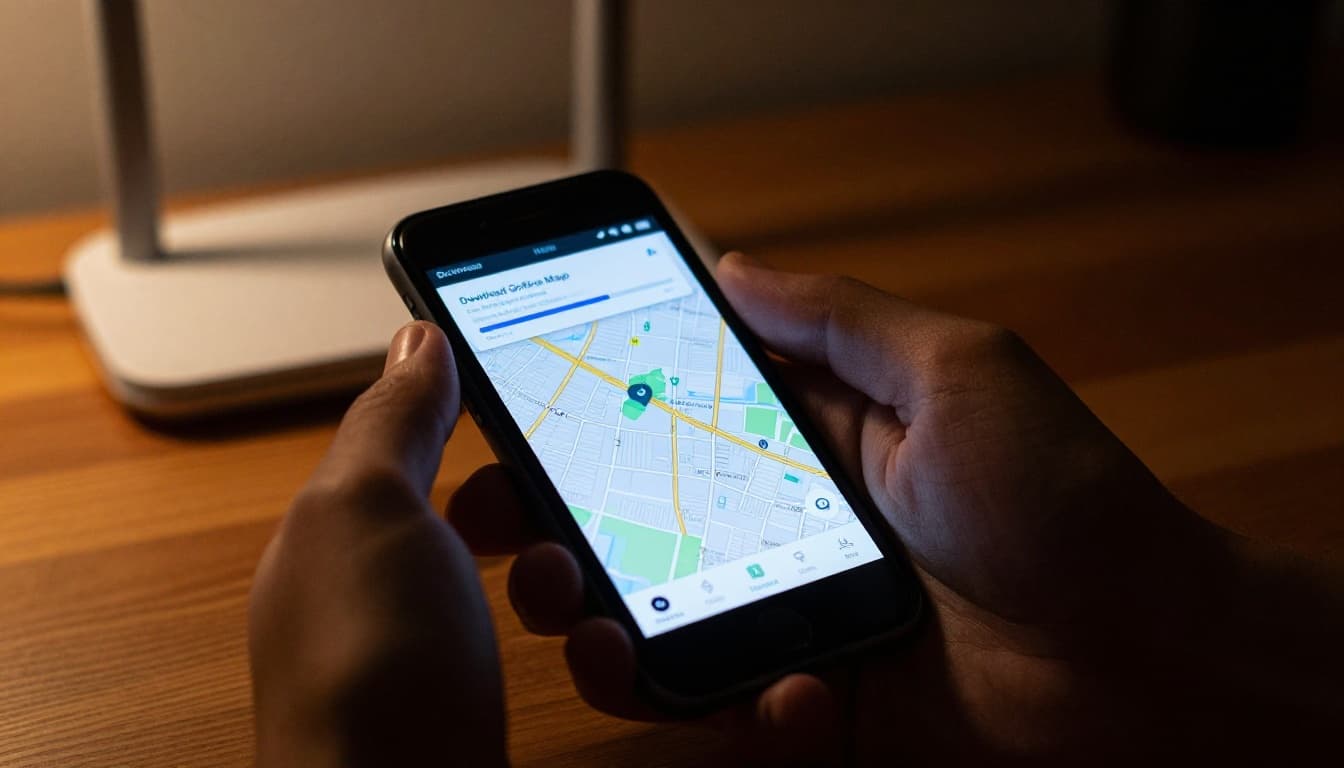
Google Maps handles roads like a champ. It suits urban trips and highways. Follow these steps on Android or iOS:
- Open the app over Wi-Fi.
- Tap your profile picture.
- Select Offline maps.
- Choose Select your own map.
- Search or drag to pick an area, like a city or route.
- Hit Download.
The map covers driving directions offline. Search works inside the zone. In 2026, auto-updates keep it fresh over Wi-Fi; maps expire after 30 days otherwise. A full US state might take 1-2 GB. Manage by deleting old ones in the same menu.
For trips, download multiple areas. See Google’s official guide for iPhone steps. It switches seamless when you lose signal.
Apple Maps: Seamless for iPhone Users
Apple Maps fits right into iOS. It offers turn-by-turn for drives, walks, even bikes. Steps stay simple:
- Open Maps with Wi-Fi on.
- Tap your picture in the corner.
- Go to Offline Maps.
- Tap the + icon or search a spot.
- Adjust the area size and download.
Use Offline Only mode for strict no-internet trips. Auto-updates happen on Wi-Fi too. Sizes run 500 MB to 1 GB for big zones, with richer details in 2026 like place ratings. Pin drops let you grab custom spots quick.
Check Apple’s support page for exact iPhone download methods. Test it; overlap edges prevent blank spots.
Go Lightweight with Maps.me, OsmAnd, and Organic Maps
Big apps work fine, but lighter ones save space. These pull from OpenStreetMap data. They pack countries under 1 GB, perfect for hikers or globe-trotters. No ads in most, full search and routes offline.
They excel on trails with topo details. Privacy stays high since no tracking.
Maps.me: Perfect for World Travelers
Maps.me shines for global adventures. Download whole countries fast. For example, the full USA fits in 800 MB.
Steps: Search your area, tap Download map. It grabs hotels, gas stations, attractions. Routes include voice turns. Maps never expire. Full POI search works offline.
Travelers love the small size. It beats data hogs abroad.
OsmAnd: Hikers’ Choice with Custom Twists
OsmAnd suits outdoor fans. Pick regions at 200-500 MB each. Add plugins for trail contours or hill shades.
Go to Menu, then Download maps. Select a zone. It offers voice guidance, speed cams, even nautical charts. Customize routes for bikes or foot.
One review calls it better than Google for remote offline detail. Locks GPS tight in woods.
Organic Maps: Privacy-First Navigation
Organic Maps skips trackers entirely. Free, open-source, no ads. Areas download at 300 MB.
Hit Menu, Download, pick region. Bookmark spots, record tracks. Navigation covers cars, bikes, hikes. Biweekly updates keep data current.
Check the Google Play page for user feedback. Ideal if you hate data sharing.
Pro Tips, 2026 Updates, and Fixes for Hassle-Free Trips
Prep smart. Download on strong Wi-Fi at home or cafes. Test full routes offline first. Calibrate GPS by waving your phone in a figure-8 if it drifts.
Overlap maps 20% for safety. Split big trips into chunks. Save battery: dim screen, close background apps.
2026 brings better holds on satellites for remote US spots. Google adds auto-updates; expect sharper AI routes everywhere. Apple refines details like ETAs.
Fix common snags. Expired maps? Update them. Route gaps mean redownload bigger zones. No search? Stay in bounds. For hikes, layer topo in OsmAnd.
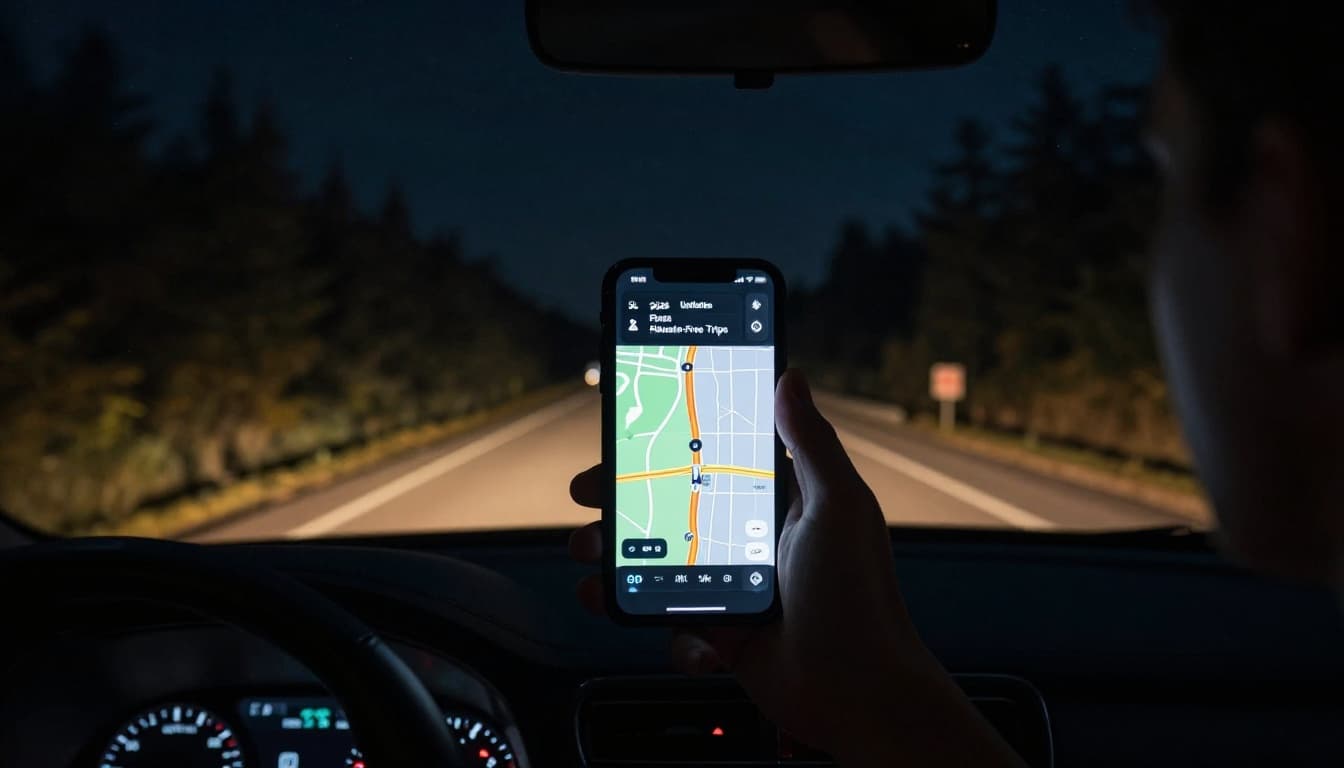
Delete unused maps to free space. Now you’re set for worry-free outings.
Offline maps turn no-signal headaches into smooth sails. You covered Google, Apple, and light apps like Maps.me. Steps stay dead simple; 2026 tweaks make them tougher.
Grab Wi-Fi today. Download your next trip’s map and test a route. Share your wins in comments. What’s your go-to app? Hit the road confident.