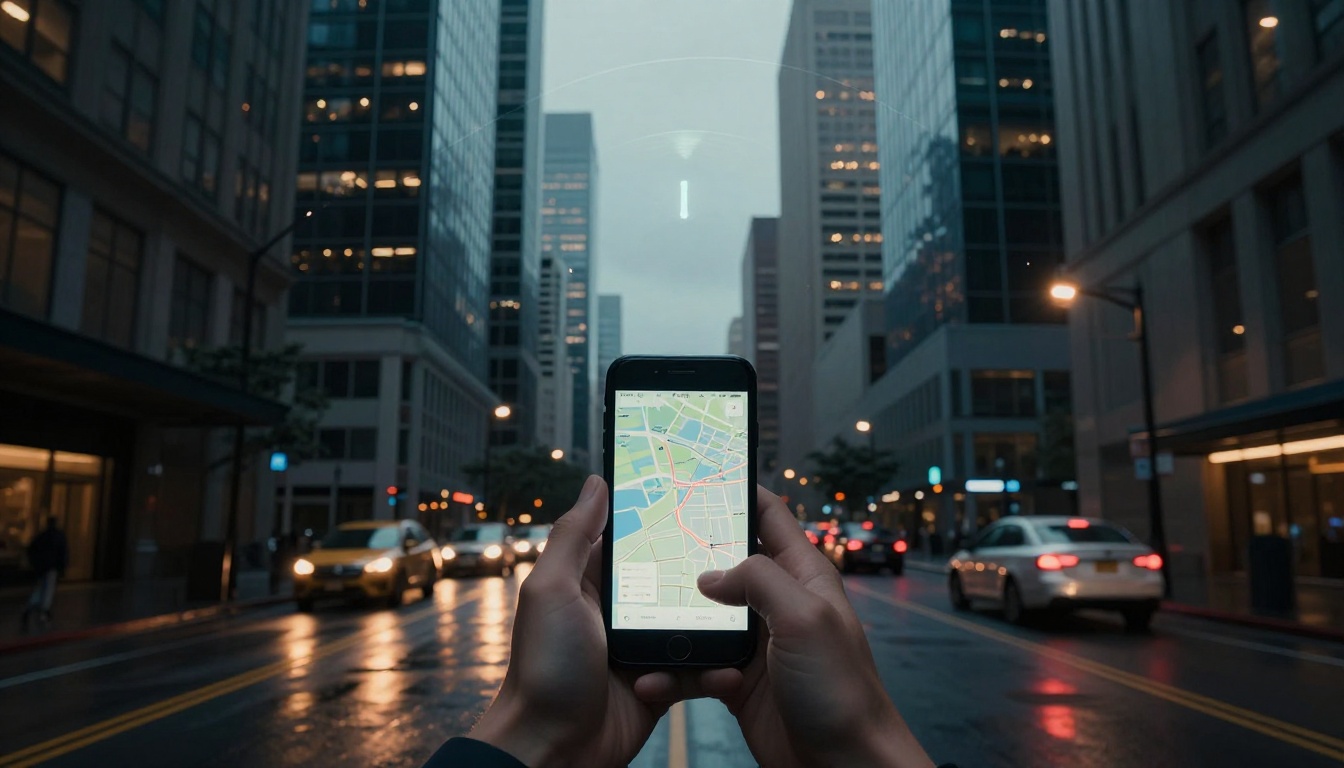
You head out for a quick drive to your friend’s house. But halfway there, your GPS shows you blocks away from the road. Frustration builds as you circle the same spot. Inaccurate GPS hits everyone, from daily commutes to road trips or deliveries.
These glitches waste time and fuel. They grow worse in 2026 with the GPS datum shift shaking up coordinates. You’ll learn the top reasons it happens, from surroundings and tech to your own habits. Plus, simple fixes get you back on track. By the end, your directions stay reliable.
Top Reasons Your GPS Location Goes Haywire
GPS relies on signals from satellites high above. When those signals fail, your location jumps around. Causes split into environment, tech, and user sides. First, surroundings block or bend signals most often.
Environmental Blocks That Mess Up Signals
Tall buildings in cities create an urban canyon effect. Signals bounce off glass and concrete like echoes in a hallway. Your phone picks up these delayed paths instead of direct ones. Location wobbles 10 to 50 feet off.
Trees form thick canopies that block sky views. Tunnels or parking garages cut signals entirely. Heavy clouds or storms bend paths through the air. Solar flares disrupt the ionosphere, delaying everything.
Picture driving downtown during rush hour. Skyscrapers force signals to ricochet, so your dot dances on the map. Rain adds scatter, pushing you off course by streets. For deeper stats on these bounces, check this NASA analysis of GNSS multipath in urban canyons.

Near power plants or airports, radio waves interfere too. Bridges with metal undersides reflect signals upward. These blocks make GPS guess your spot. As a result, apps show old positions.
Technical Glitches Behind GPS Errors
Satellites need clear math from at least four in view. Fewer means poor fixes, like solving a puzzle missing pieces. Your device drifts off roads when signals drop briefly.
Hardware matters. Cheap antennas grab weak signals poorly. Outdated phone software ignores new satellite data. In cars, add-ons clog the system.
The big one hits in 2026. NATRF2022 replaces NAD83, shifting spots 1 to 4 meters. Old maps treat roads or fields as moved. Tesla owners see this in navigation freezes from USB interference in the glove box.
Signals play phone tag with satellites. Weak links cause jumps. Firmware bugs amplify drifts. Therefore, tech fails quietly until you miss a turn.
Simple User Mistakes Throwing GPS Off
You forget to enable location services. No toggle, no fix. Airplane mode kills it too. Battery saver dims GPS to save power.
Hold your phone wrong. Fat cases or hands cover the antenna on top or back. In cars, dash mounts hide it under metal dashboards.
Apps need permissions for precise spots. Wrong time zones skew maps. A rushed parent grabs the phone mid-cookout. Signals vanish under a hand. Meanwhile, a tipsy driver ignores Wi-Fi assist.
Data off means no hybrid fixes indoors. These slips add up fast. So check basics before blaming the sky.
Quick Fixes to Straighten Out Your GPS Right Away
Solutions match the problems. Start simple, test outdoors first. Open areas beat bounces and blocks. Now, tackle by device.
Smartphone Tweaks for Spot-On Location
Turn on location services in settings. Grant high accuracy to apps. Enable Wi-Fi and mobile data. They aid GPS indoors via nearby hotspots.
Calibrate the compass. Open Google Maps, go outside, swing your phone in a figure-8 twice. Wait for the blue dot to sharpen.
Restart your device. Update iOS or Android to latest versions. Avoid battery saver mode, as it throttles signals. Test the change on a short walk.
These steps lock in your spot within seconds. In addition, clear app cache if jumps persist.
Car GPS Hacks That Work Fast
Unplug USB chargers or drives from the console. They jam antennas in Teslas. Power cycle the screen: hold both scroll wheels on the wheel.
Update car firmware over the air. Dealers push patches for navigation glitches. Mount phones away from metal vents or dashboards.
For farm gear or trucks, reposition antennas skyward. Tesla owners report full reboots fix frozen arrows. See this guide to Tesla GPS fixes.
Park in open lots to verify. Straight lines return fast.
App Tricks to End Navigation Nightmares
Google Maps shows a red accuracy ring? Enable services and calibrate. Waze jumps in traffic? Use camera view for landmarks.
Apple Maps lags? Toggle location off, then on. Here’s a quick comparison:
| App Issue | Common Cause | Fast Fix |
|---|---|---|
| Jumpy blue dot | Multipath or drift | Calibrate compass outdoors |
| Wrong direction | Battery saver on | Turn off, enable high accuracy |
| Frozen location | Airplane mode | Disable, restart app |
| Low signal ring | Indoors/no data | Use Wi-Fi assist |
Verify in sunlight. Apps auto-blend sensors now. Therefore, tweaks end most woes.
Get Ready for the 2026 GPS Datum Shift
NATRF2022 rolls out mid-2026. It swaps NAD83 for better Earth-matching. Coordinates shift 1 to 4 meters nationwide. Farms see field lines creep; cars misalign routes slightly.
Phones and apps get OS updates to adapt. But test now. Use the free NGS NCAT tool online. Enter old spots, see new ones side by side.
Backup routes and boundaries. Remap A-B lines before planting. Car dealers push firmware; check Tesla or Garmin apps.
States add NATRF streams to RTK networks. Impacts stay small with prep. For survey details, read this overview of NSRS changes.
No panic needed. It’s like a map refresh. Updated gear keeps you precise.
GPS errors stem from blocks, glitches, and habits. Fixes like calibrating, updating, and unplugging work today. Prep for the datum shift with NCAT checks.
Try one tweak on your next drive. Share your wins in comments below. Pin this for road trips, and subscribe for more tech fixes.