
You step off the plane in Tokyo or New York. Excitement hits first. Then confusion sets in as crowds rush past and signs blur together. Streets twist, transit options overwhelm, and your phone signal drops. Sound familiar?
Many travelers face this on day one. You feel lost amid the buzz. But simple steps change that. Prep turns panic into ease. This post covers prep before you leave, first moves on arrival, daily tools, and safety basics.
With 2026 apps like Citymapper and Google Maps, anyone masters a new city fast. Download them now. Gain confidence like a local. Let’s start with building your toolkit at home.
Build Your Navigation Toolkit Before You Leave Home
Prep saves stress later. Download apps before takeoff. This cuts data costs abroad. No fumbling in spotty Wi-Fi. Focus on top picks for 2026 first-timers.
Start with Google Maps. It handles walking, driving, bikes, and transit. Download offline maps for your city. Voice guides keep eyes up. Citymapper shines in big spots. Get real-time bus and train alerts. See platform details and disruptions.
Waze spots driving hazards like police or jams. Moovit covers global buses well. HERE WeGo and MAPS.ME excel offline. Pick based on your plans.
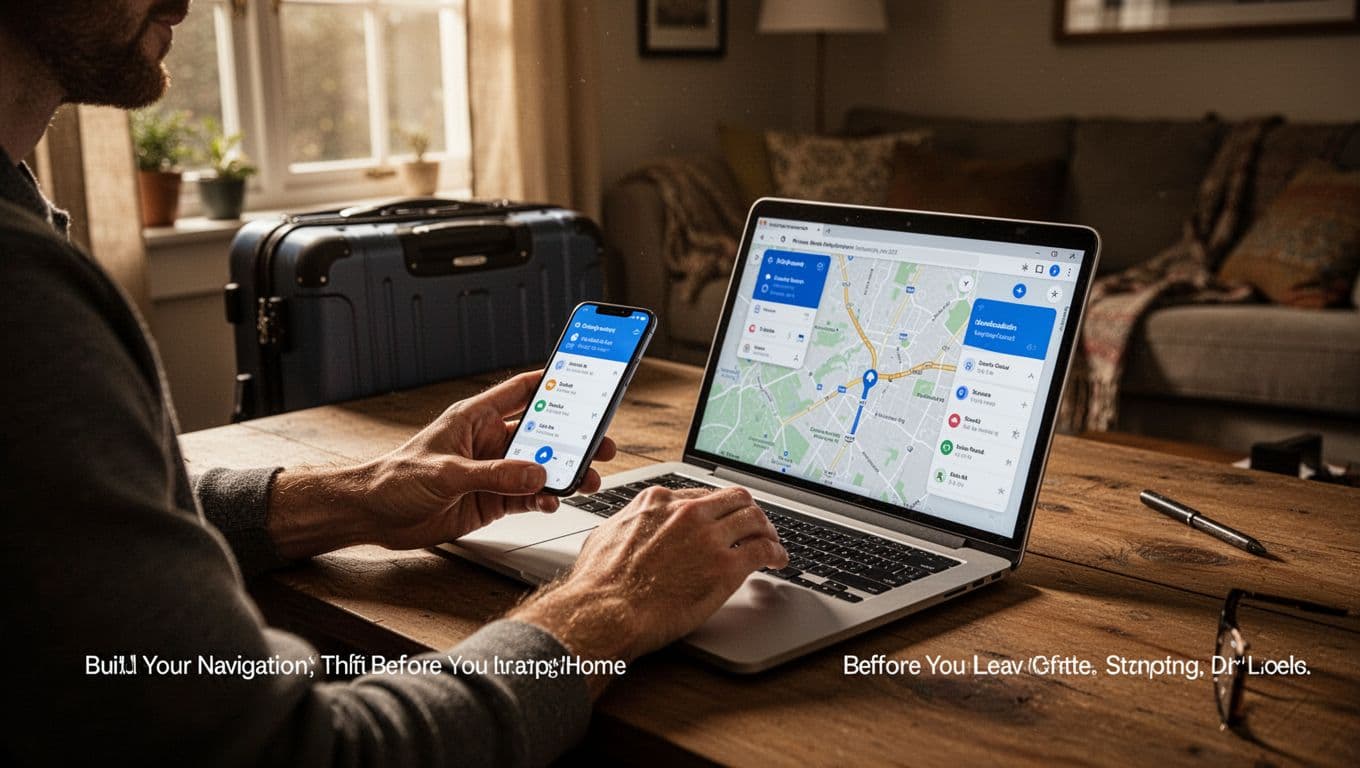
Test them at home. Enter your hotel address. See routes form. Research transport passes too. Apps like Omio show options. Buy unlimited rides early. Grab a local eSIM for data. Pack a power bank. Charge stays full all day.
Limit to two or three apps. Too many confuse you.
Pick the Best Apps for Your Trip Style
Match apps to needs. Citymapper mixes bus, train, walk, and scooter. It flags delays and suggests best exits. Google Maps offers offline basics plus AR views.
Waze alerts to ice or cops while driving. Moovit updates buses from users. In 2026, AI mixes routes smartly. Widgets show steps on lock screens. Check PCMag’s best navigation apps for 2026 for full tests.
Download city packs now. Walk without signal.
Research Transport and Buy Passes Early
Scan Citymapper or Omio for routes. Spot multi-day passes. They save cash on buses and trains. Apps show visuals, so language barriers fade.
In US cities, check subway cards via apps. Buy digital tickets. Note airport links. Shuttles or trains beat taxis. Prep means smooth starts.
Get Your Bearings Fast Right After You Land
Land and act quick. First 30 minutes count. Activate offline maps. Search your hotel. Pin it.
Share live location via Google Maps or WhatsApp. Family tracks you. Find ATMs or info desks with “nearby.” Chat hotel staff for shortcuts. Note landmarks outside.
Citymapper’s Go mode orients you. Walk out ready.
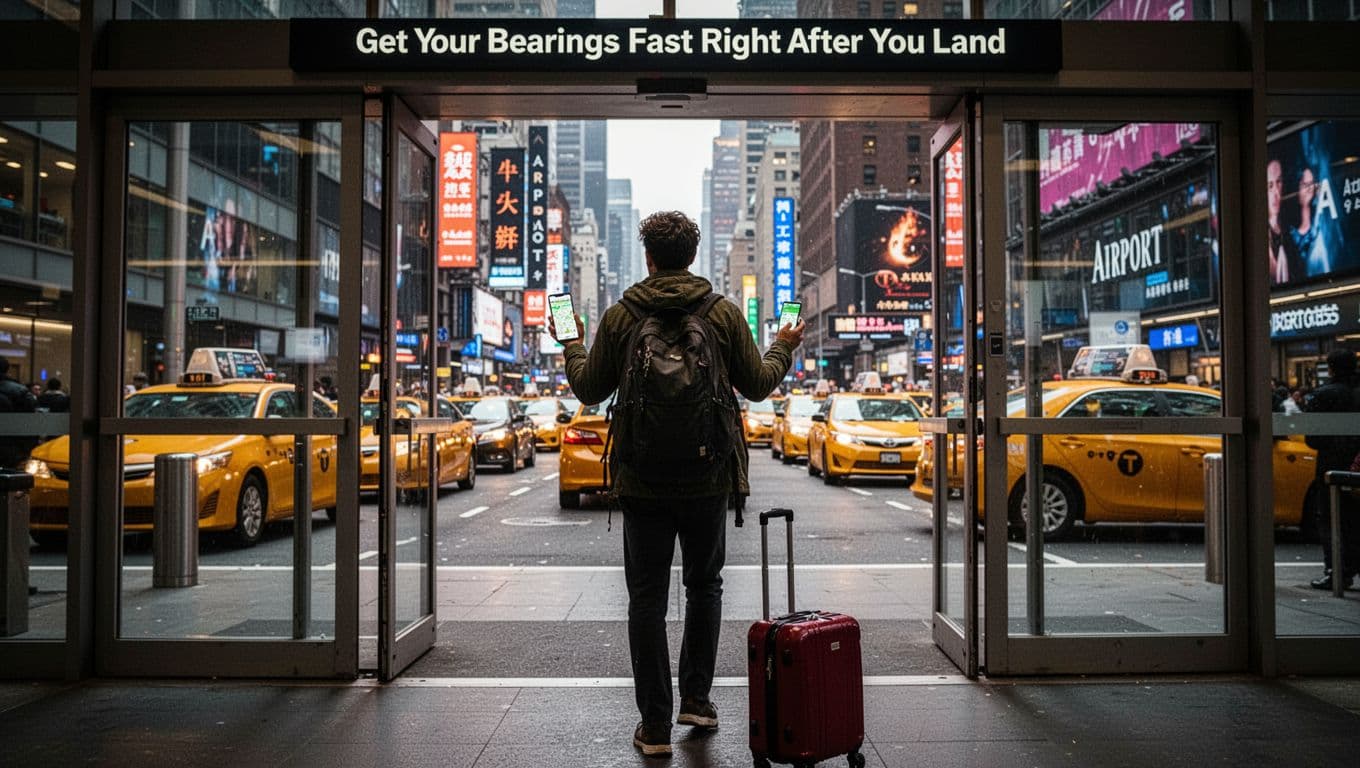
Plug in your power bank. Phones drain fast here.
Share Your Location and Charge Up
Turn on sharing in apps. Send links to contacts. They see your path live.
Power banks prevent dead batteries. Airports charge slow. Stay connected from minute one.
Move Around Daily Like You’ve Lived There Forever
Blend in fast. Use Google Maps for walks. Add buffers for crowds. Citymapper masters transit. Count stops. Pick middle train cars. Factor walk times.
Rideshares like Uber beat street hails. Book via app. Waze guides rentals past traffic. Try bikes or scooters in apps.
Glance at widgets. Less phone staring means you look local. In NYC, Citymapper flags subway delays. London users love platform tips.
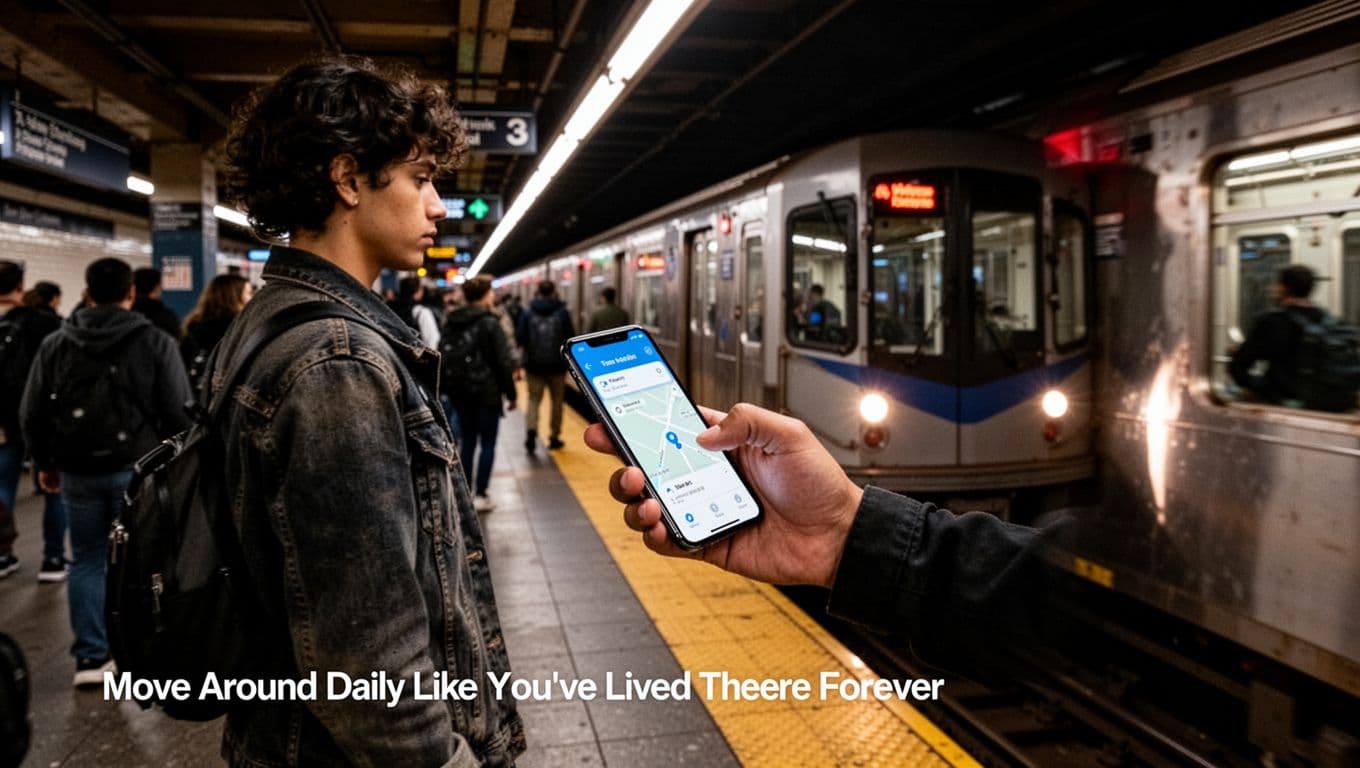
Master Public Transit Without Counting on Fingers
Citymapper shows costs versus Uber. Moovit lists exact stations. Buy passes for days out. Track disruptions live. No finger math needed.
Stick to main lines first. Build speed.
Choose Safe Rides and Walk Smart Paths
Apps pick lit routes. Uber or Cabify track rides. Avoid dark alleys at night. Walk with traffic flow. See solo traveler safety tips for big cities for more.
Handle Getting Lost and Stay Safe Every Step
Lost? Stay calm. Re-search your hotel. Show maps to locals. Head to tourist centers.
Main paths keep you safe. Hide valuables. Charge phone always. Waze warns hazards. Share location ongoing.
No signal? Offline maps lead to landmarks.
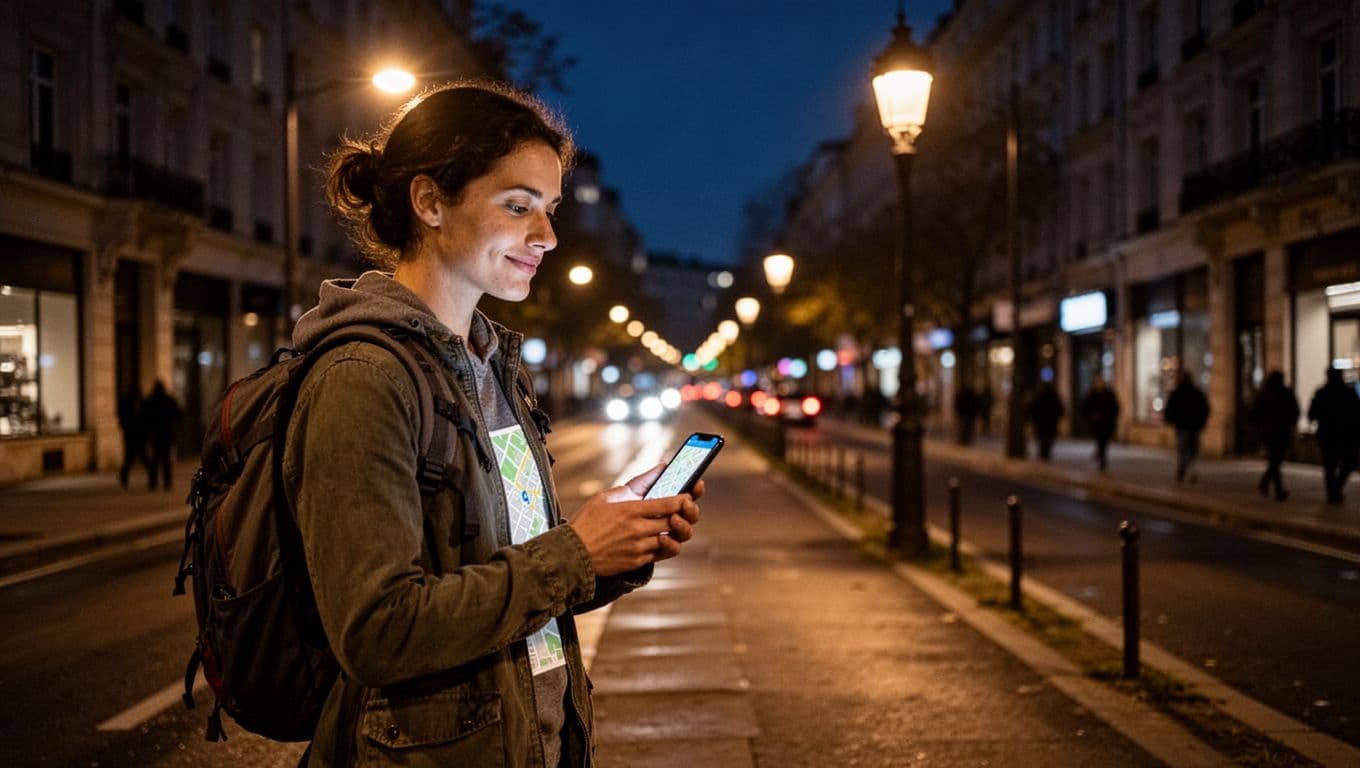
Quick Fixes When You’re Turned Around
Check widgets for steps. Search “nearby” hotels or stations. Call your place. They guide you.
Top Safety Rules for New City Streets
Stick to lit areas. Use ride apps. Blend clothes match locals. Power bank ready. Trust gut on spots. Check Omio for US transport passes. Head up, aware always.
Prep apps and maps before trips. Arrive oriented with shares and charges. Master transit pros daily. Safe habits protect you.
Try one tip next time. Share your story in comments. Subscribe for more travel hacks. New cities wait. Navigate like a pro in 2026.