
Imagine typing 40.7588° N, 73.9851° W into Google Maps. Boom, you’re right in Times Square, surrounded by blazing lights and crowds. Those numbers unlock any spot on Earth.
Latitude and longitude work like a global address system. You spot them on maps or apps, but they often look like code. So you skip past them when planning trips or reading news.
Don’t worry. You’ll read latitude and longitude easily here with simple basics, formats, tools, and real examples. Let’s start by defining each one.
Grasp Latitude and Longitude with Simple Everyday Analogies
You already know latitude and longitude pin down spots on Earth like a street address. But what is latitude? And what is longitude? Think of them as a giant grid. Latitude draws horizontal lines like rungs on a ladder wrapping Earth’s middle. Longitude carves vertical slices like an orange from pole to pole. Together, they mark any location precisely. Positive numbers go north or east. Negative ones head south or west. Now, let’s break it down with easy pictures in your mind.
Picture Latitude as Earth’s Horizontal Belts
Latitude tells you how far north or south you stand from the equator. It starts at 0 degrees right on the equator, that bulging belt around Earth’s waist. Lines run parallel, like floors in a tall building stacked from ground level. You climb up to 90 degrees north at the North Pole or down to 90 degrees south at the South Pole.
Key spots make it simple. The Tropic of Cancer sits at about 23.5 degrees north, where the sun beats straight down in northern summer. Flip it for the Tropic of Capricorn at 23.5 degrees south. Then, the Arctic Circle marks 66.5 degrees north, the start of endless summer days. Its twin, the Antarctic Circle, does the same down south.
North of the equator? Use positive numbers, like 40 degrees N for New York. South? Go negative, as in -34 degrees for Sydney. These belts split Earth into northern and southern halves.
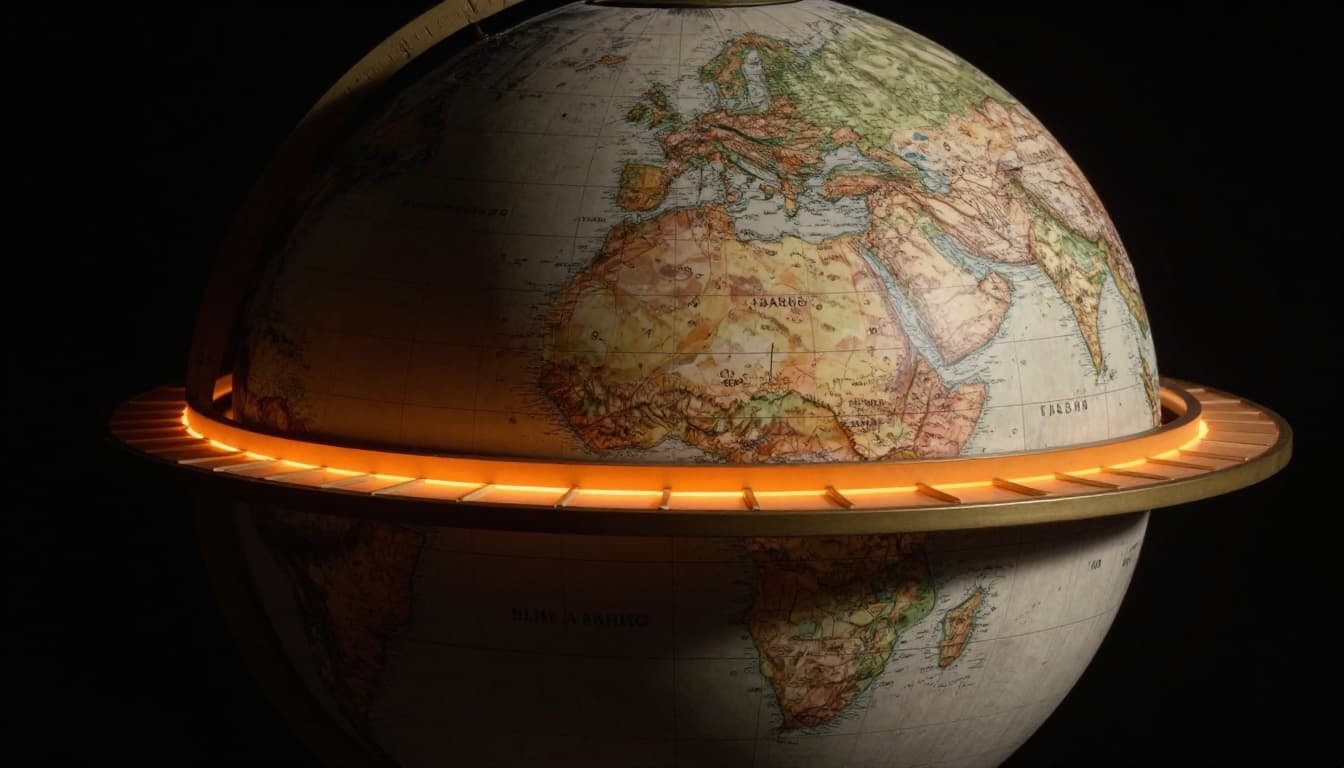
For a clear view from NOAA, check their longitude facts page, which ties into latitude basics too.
See Longitude as Vertical Slices from Pole to Pole
Longitude measures east-west distance from the Prime Meridian, that key line through Greenwich, England, at 0 degrees. Picture seams on a basketball running top to bottom. Or slices of an orange meeting at the core. Lines bulge widest at the equator and squeeze together at the poles.
It stretches to 180 degrees east one way and 180 degrees west the other. The International Date Line wiggles near 180 degrees, mostly in the Pacific. Cross westbound, and you skip a day. Go east, and repeat one.
East gets positive, like 74 degrees E for Mumbai. West takes negative, such as -74 degrees for New York (matching that Times Square spot). These meridians divide Earth into eastern and western hemispheres.
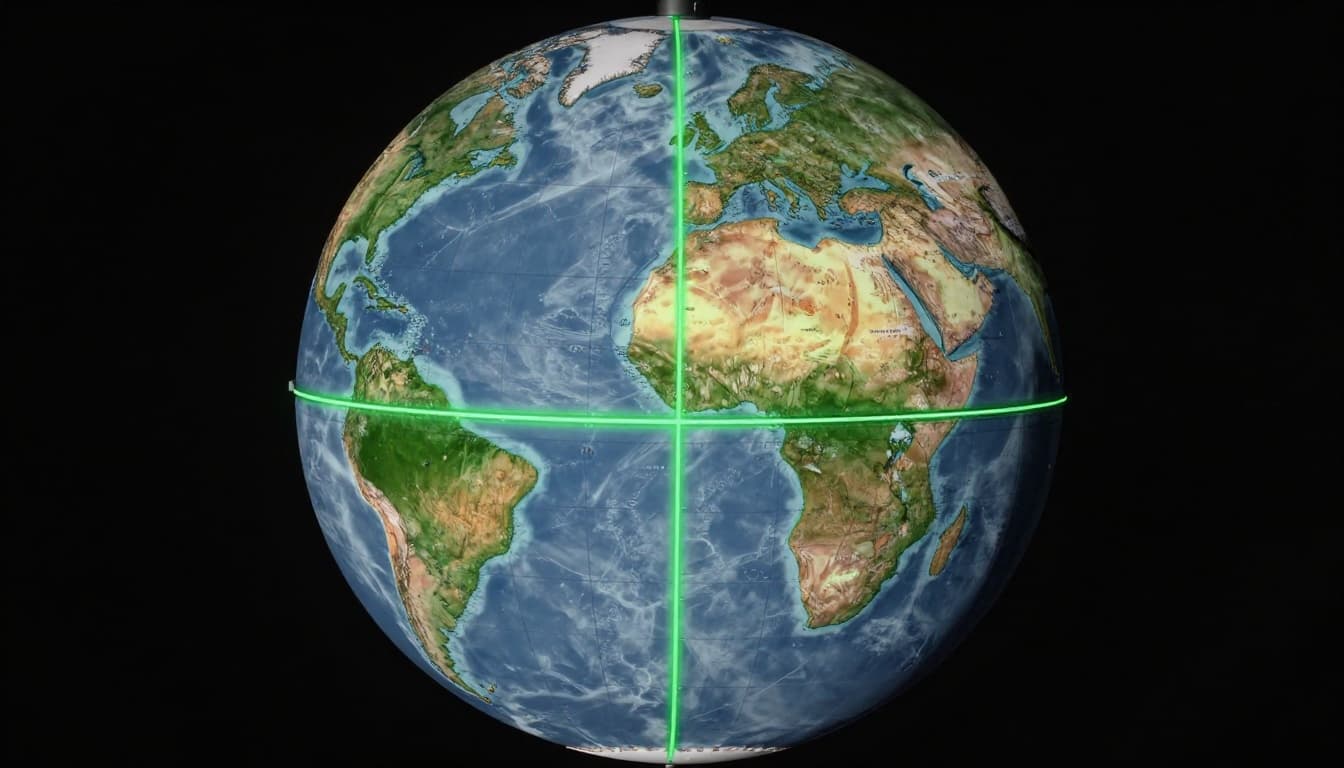
NASA explains these lines well in their latitude and longitude guide.
In short, latitude sets your north-south spot. Longitude fixes east-west. Their grid lets you find anywhere, from beaches to mountains. Next, see how formats make reading them a breeze.
Decode Coordinate Formats Without the Confusion
Latitude and longitude come in different styles. You might see plain numbers or ones with symbols. Spot the right format, and you read them fast. Most tools prefer one type. Others linger from older maps. Let’s break down the two big ones so you handle any coordinate you find.
Decimal Degrees: The Quick and Simple Choice
Decimal degrees keep it basic. You get numbers like 40.7128, -74.0060 for New York. Latitude stays between -90 and 90. Longitude fits -180 to 180. Positive means north or east. Negative shows south or west.
Apps love this format. Google Maps and Apple Maps take it straight in the search bar. Paste 40.7128° N, 73.9851° W, and you land in Times Square. Modern GPS apps store data this way because computers crunch decimals easily.
Spot it by the dot after whole numbers. No symbols like degrees or minutes. For example, 32.30642, -122.61458 points to Monterey Bay.
Why pick decimals first? They skip math. Just copy and paste. Still, you convert others to this for apps.
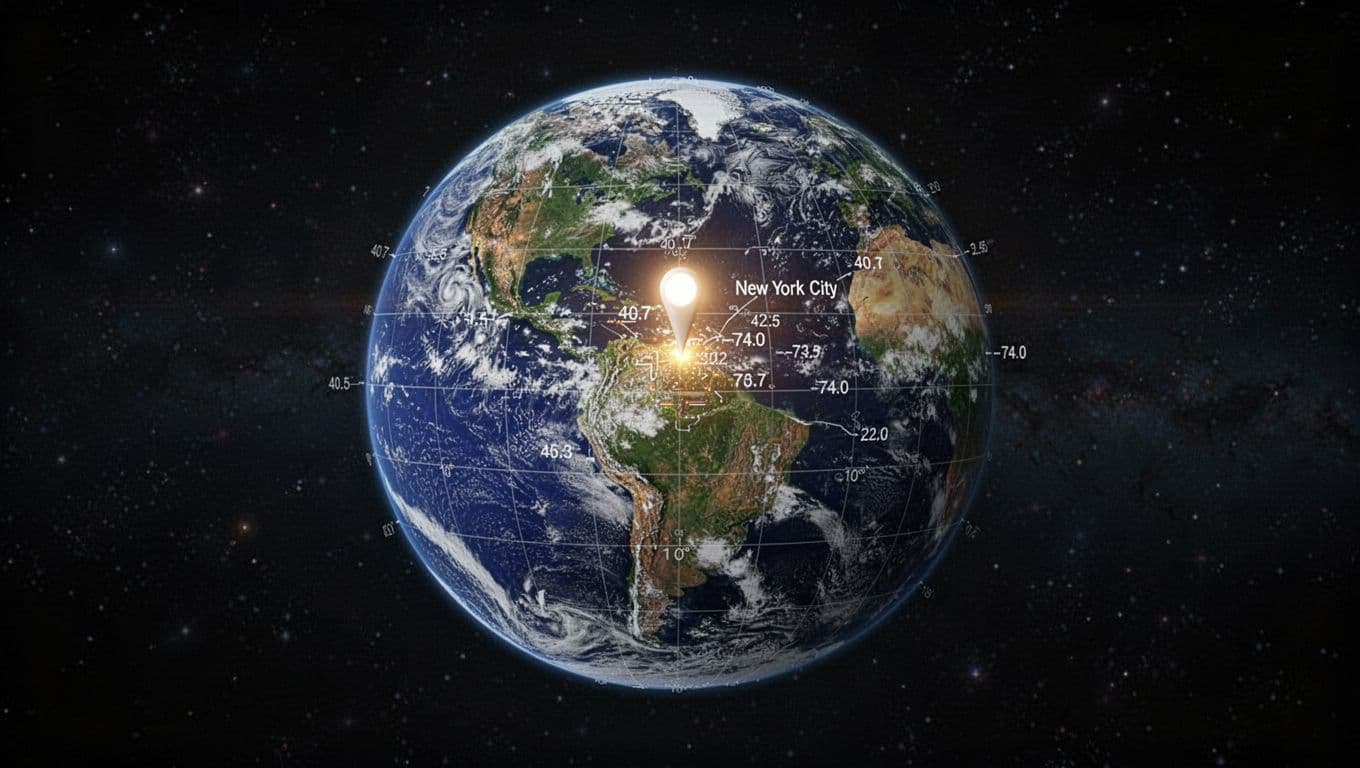
See a full breakdown on decimal degrees vs. DMS from GIS Geography.
Degrees Minutes Seconds: Old School but Still Common
This format uses three parts. Think 40°42’46″N 74°00’22″W. The ° marks degrees. ‘ means minutes. ” shows seconds. North or east stay positive. South or west go negative or use S/W letters.
It splits one degree into 60 minutes. Each minute breaks into 60 seconds. Like clock time, but for angles. Paper maps and some older gear use it.
Spot these by the symbols: ° ‘ “. Letters like N, S, E, W follow. For New York, 40° 42′ 46″ N, 74° 00′ 22″ W.
Convert to decimal if needed. Divide minutes by 60, add seconds over 3600. Try this: 40°42’46″N. Minutes become 42/60 = 0.7. Seconds make 46/3600 ≈ 0.0128. Total: 40 + 0.7 + 0.0128 = 40.7128° N. Do the same for longitude.
Here is how you practice:
- Degrees: whole number.
- Minutes/60: add the decimal.
- Seconds/3600: tack it on.
Apps handle switches. But decimals win for speed.
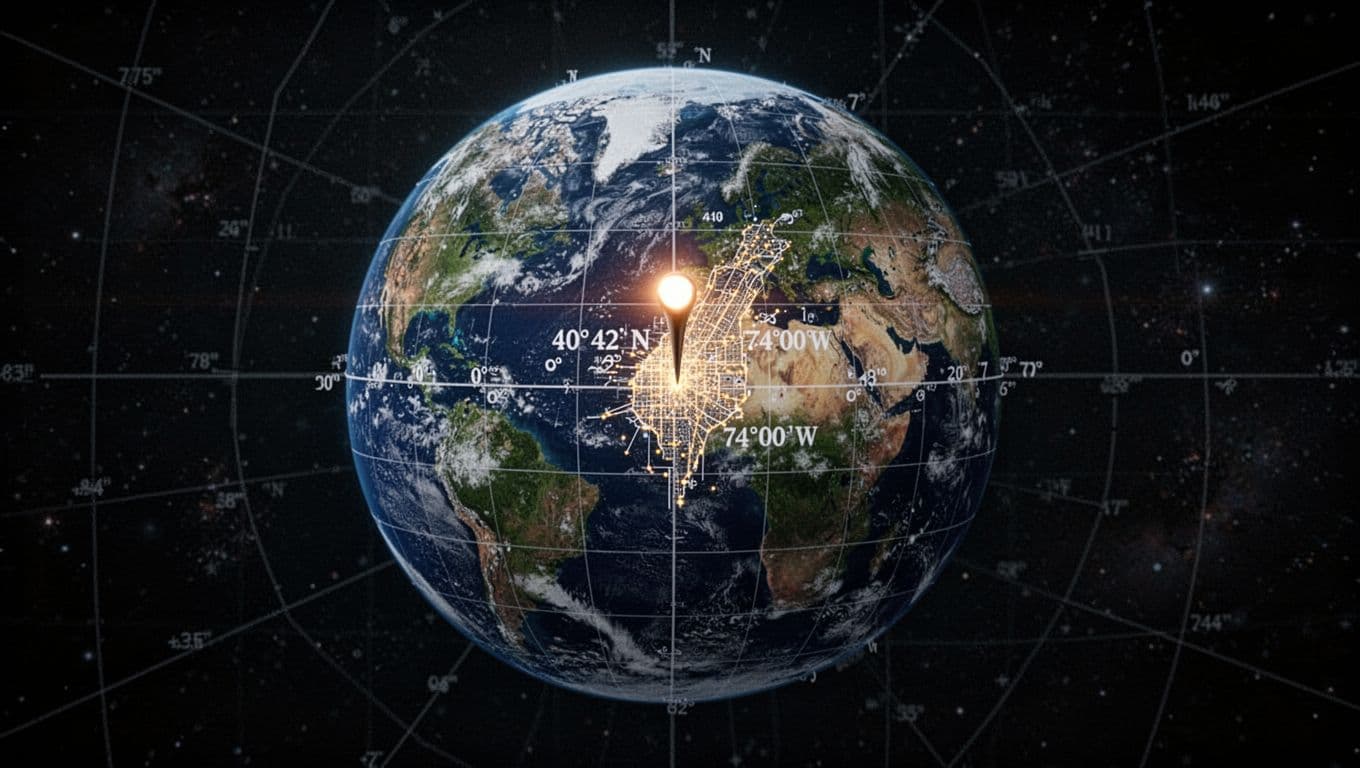
The FCC offers a handy DMS to decimal converter for quick checks.
In short, decimals rule apps today. DMS appears on classics. Know both, and you read latitude longitude formats anywhere.
Visualize Any Coordinate Instantly with Free Tools and Apps
Got a set of coordinates like 40.7128, -74.0060? You can turn them into a map view right now. Free apps and sites make it simple to read latitude and longitude. Just paste the numbers. Then watch the location pop up with streets, satellite shots, or even addresses. These tools to read latitude longitude work on phones or computers. No fees. No hassle. They accept decimal degrees or degrees minutes seconds. Let’s check the best ones.
Best Mobile Apps to Drop Coordinates and See Maps
Start with apps on your phone. They pull up maps fast. You get free lat long apps like Google Maps, What3Words, and My GPS Coordinates. Each shines for quick checks. Google Maps leads because it shows traffic and street views too.
Google Maps handles most formats. Try decimals like 40.7128, -74.0060. Or DMS such as 40°42’46″N 74°00’22″W. Here’s how:
- Open the Google Maps app.
- Tap the search bar.
- Paste your coordinates.
- Hit enter. Zoom in to explore.
It pinpoints spots like New York City instantly. For details, see Google’s Android guide on coordinates.
What3Words swaps numbers for three words, like ///filled.count.soap for a spot. Paste words or coords. Great for sharing. But stick to apps for pure coordinate drops.
My GPS Coordinates app fits Android and iOS. It shows your spot plus extras like altitude. Open it. Enter coords. View the map. Pros include offline mode in some versions. Perfect for hikes.
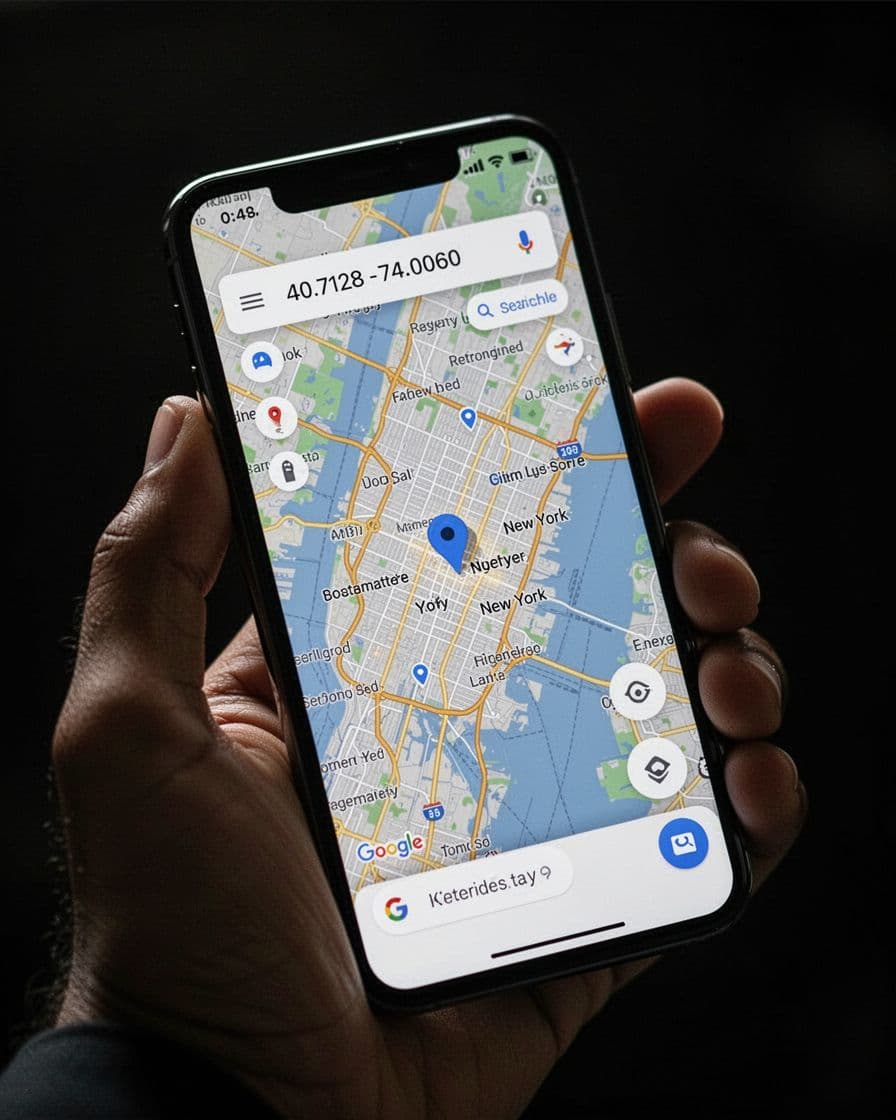
These apps make reading coords easy. Paste and go.
Top Websites for Instant Coordinate Lookups on Any Device
No app? Use your browser. Sites like LatLong.net, GPS Visualizer, GeoHack, and Google Maps web load fast. They work anywhere. No downloads needed.
LatLong.net pulls addresses, time zones, and maps. Enter 40.7128° N, 74.0060° W. Get details like nearby places. Simple and free. Check it at LatLong.net main page.
GPS Visualizer plots multiple points. Upload a list of coords. See routes on one map. Ideal for trips. Visit their map input form.
GeoHack links to tons of maps. Type coords. Jump to OpenStreetMap or satellite views. Quick switches help.
Google Maps web mirrors the app. Search coords in any browser. Add layers for traffic.
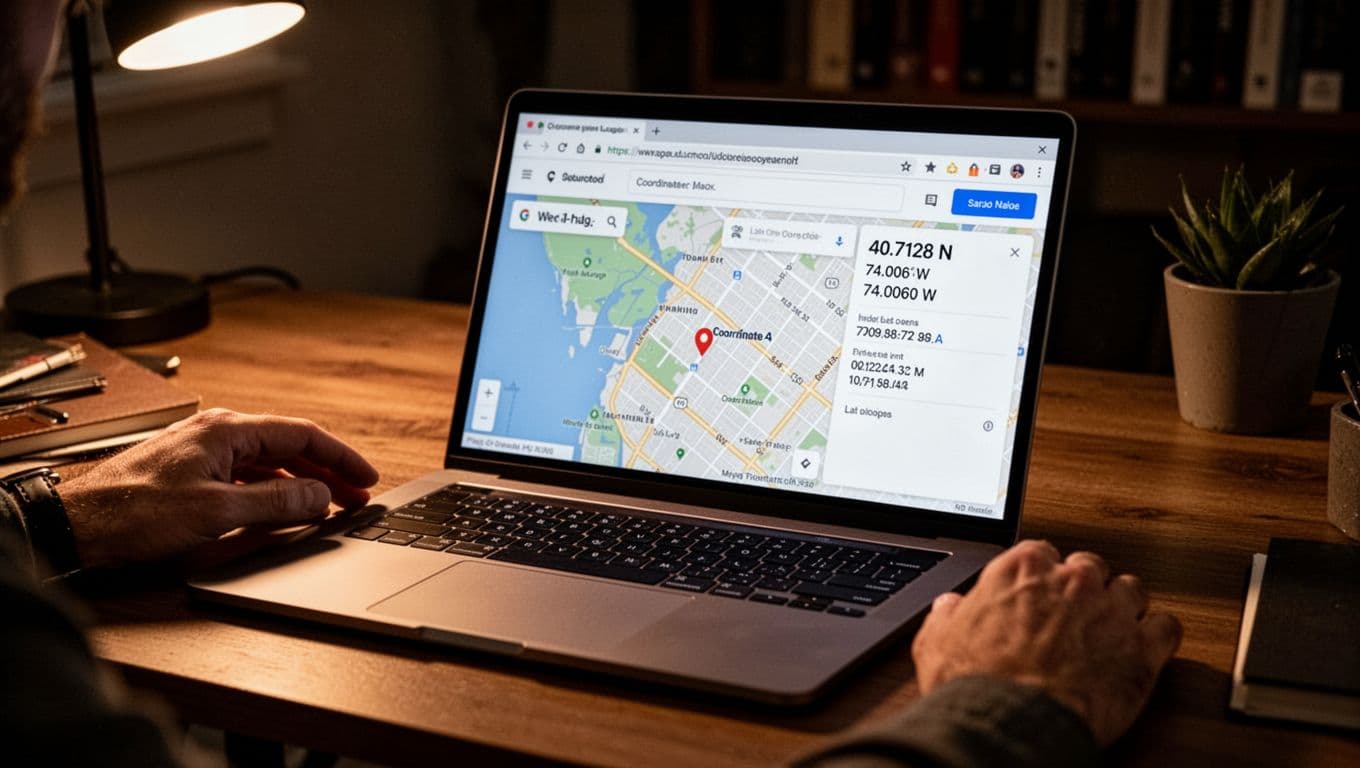
In short, pick sites for desktop work. They reveal what those numbers mean without extra steps.
Put It All Together: Read These Real-Life Coordinates Step by Step
Ready to test your skills? You now grasp the grid, formats, and tools. So let’s apply them to real spots. We’ll walk through five examples, from city lights to open ocean. For each, parse the coordinates, tie in an analogy, and check a tool like Google Maps. Pause after each one. Copy the coords into your phone. See what pops up. You’ll build confidence fast.
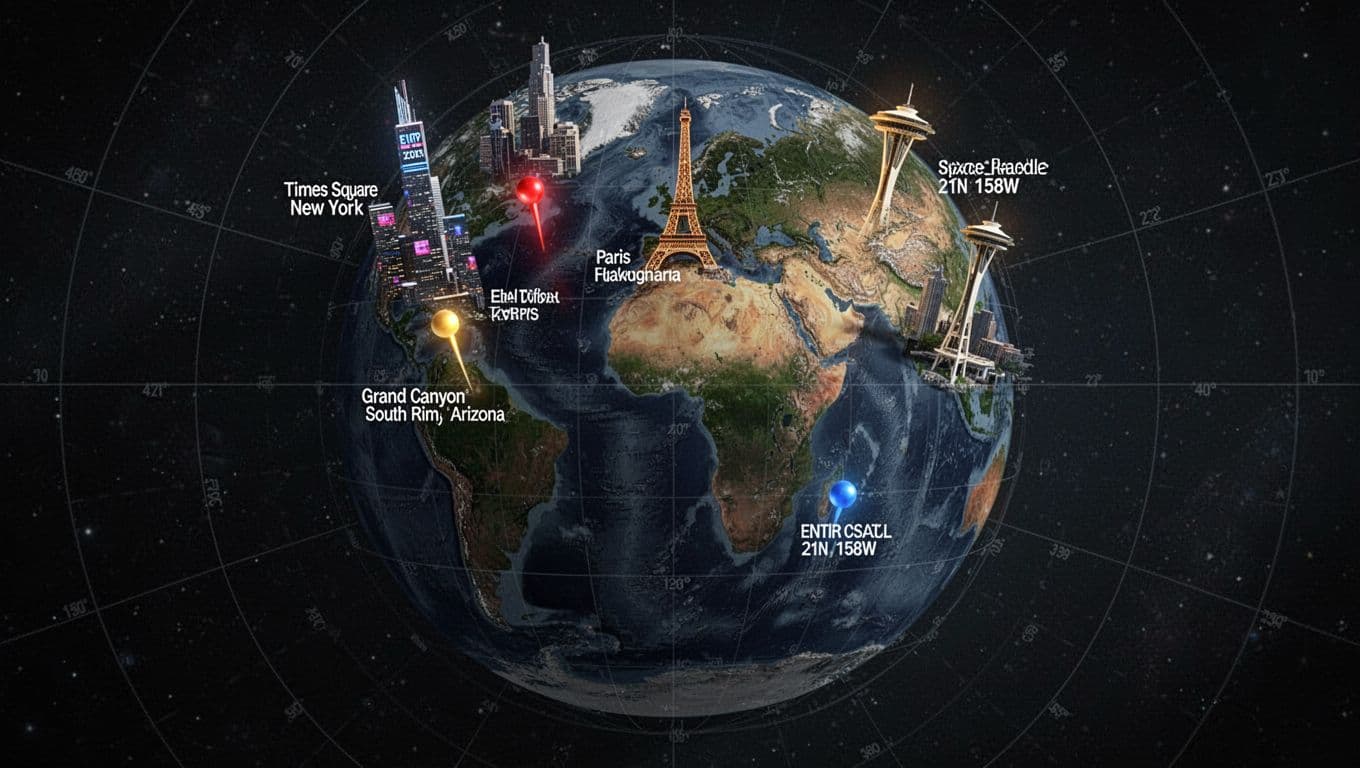
Times Square, New York: Bustling Heart at 40.7589° N, 73.9851° W
Start with 40.7589° N, 73.9851° W. This uses degrees with letters, so latitude leads at 40.7589 north. Longitude follows at 73.9851 west. Positive north, negative west (drop the ° for apps).
Picture ladder rungs: 40 degrees up from equator lands you mid-northern hemisphere, like New York’s tier. Orange slices cut 73 degrees west from Greenwich, slicing into the eastern US coast.
Paste into Google Maps. You land amid neon billboards and crowds on 42nd Street. Traffic buzzes below. Share this with friends for a virtual hangout.
Eiffel Tower, Paris: Iconic View at 48.8581° N, 2.2945° E
Next, 48.8581° N, 2.2945° E. Decimal degrees again. Far north at 48, deep in Europe. East at 2 degrees means close to Greenwich.
Those rungs climb high north, past New York’s level. A thin orange slice barely east hugs France.
Google Maps drops you at the tower base. Seine River sparkles nearby. Street view lets you spin around. For exact details, see Eiffel Tower coordinates on LatLong.net.
Grand Canyon South Rim: Vast Edge at 36.1069° N, 112.1129° W
Try 36.1069° N, 112.1129° W. North mid-latitude, far west across the US.
Rungs place you below New York, still northern. Slices carve deep into Arizona’s desert.
Maps show layered red rock plunging a mile down. Trails start here. Hike views await. Perfect for trip planning.
Space Needle, Seattle: Tower Top at 47.6205° N, 122.3493° W
Now 47.6205° N, 122.3493° W. Near Paris north, but west coast far.
Horizontal belts match Eiffel height. Vertical cuts hug the Pacific Northwest.
Google pins the spinning restaurant. Puget Sound gleams. City skyline rises. Check Space Needle spot on LatLong.net.
Open Ocean Spot: Empty Blue at 21.0000° N, 158.0000° W
Finally, 21.0000° N, 158.0000° W. Tropical north, mid-Pacific west.
Low rungs near Hawaii’s band. Wide slices span empty sea, 500 miles from land.
Maps reveal endless waves. No streets, just coordinates. Great for ship tracking or fishing spots.
Practice more: Snap coords from a photo. Text them to buddies. Watch reactions. You read latitude and longitude like a pro now.
Conclusion
You now grasp latitude as horizontal belts and longitude as vertical slices.
You handle decimal degrees or DMS formats with ease.
Tools like Google Maps and LatLong.net turn numbers into maps instantly. Practice on real spots builds your skills fast.
These steps let you read latitude and longitude easily for trips, geocaching, or plain curiosity.
Evergreen apps keep you ready anywhere.
That Times Square pin from the start? You own it now.
Grab Google Maps or LatLong.net today.
Enter your home coordinates.
Share what pops up in the comments below.