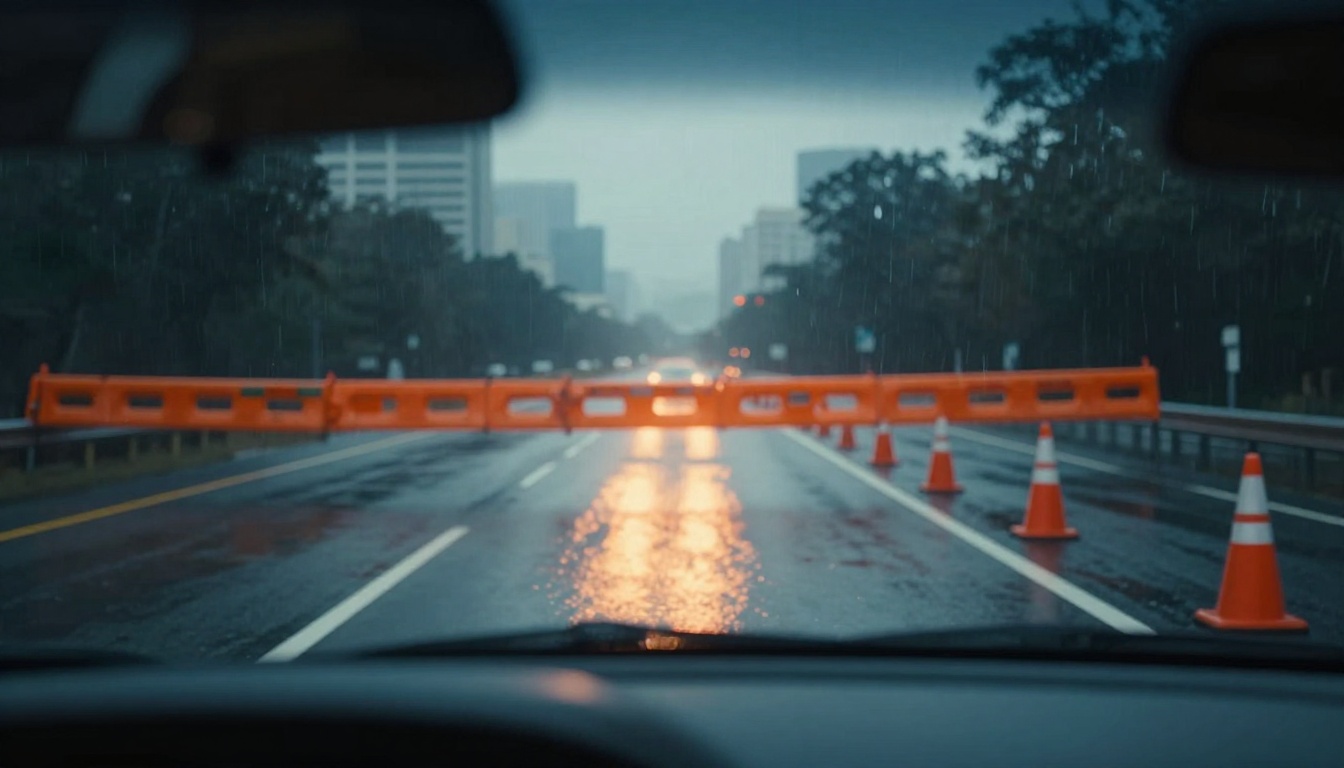
Picture this. You’re driving home during rush hour. Traffic slows. Then it stops. Orange cones block your lane ahead. A road closure sign appears too late. Frustration builds as you’re late for dinner.
Road closures and blocked roads happen more often these days. Construction projects boom across the US. Big events like marathons shut down streets. Harsh weather adds ice or floods. In 2023 alone, work zones saw 898 deaths and over 101,000 crashes. That’s a 50% rise since 2013. Drivers make up 61% of those fatalities.
You can handle this better. This post shows simple steps to prepare ahead. It covers safe reactions when closures surprise you. You’ll learn detour tricks and mistakes to skip. Follow these, and you’ll stay safe and stress-free.
Prepare Your Route to Dodge Road Closures Before You Drive
Planning beats panic every time. Check conditions before you start your engine. Real-time tools spot closures from construction, events, or crashes. In March 2026, expect more work on highways due to federal funding pushes. Apps pull data from users and officials. State sites give official alerts. Add buffers, and you’re set.
Leave early too. Build in 15 to 30 extra minutes. Inspect your car for issues. Pack basics for delays. This prep cuts wrong turns and gridlock risks.
Pick the Best Apps for Real-Time Road Updates
Start with proven apps. Google Maps shows traffic colors and planned closures. It predicts delays from past patterns. Waze shines for user reports on sudden blocks. Both suggest detours fast. For example, enable alerts for your route. They’ll ping about upcoming work.
See PCMag’s picks for top navigation apps in 2026. They tested for accuracy on closures. Or compare Google Maps vs. Waze features. Waze edges out on live hazards like debris.
Check state DOT apps or 511 services next. Dial 511 from your phone for voice updates. Visit FHWA’s list of national traffic resources for your state’s page. These cover construction schedules and event maps. Search your route a day early. Note alternatives. Turn on push notifications. That way, changes hit your screen first.
Build a Simple Pre-Drive Checklist
Make a quick routine. It takes two minutes but saves hours.
- Check your route twice. Open an app. Look for red zones or icons.
- Add time buffer. Plan for 20% more than usual.
- Inspect your vehicle. Test tires, brakes, lights, and wipers.
- Grab essentials. Water, snacks, phone charger, and a blanket.
- Set up hands-free. Mount your phone. Silence non-essential alerts.
Why bother? Speeding in work zones causes 29% of fatalities. Prep keeps you calm. One driver skipped this and hit gridlock from a marathon reroute. He waited two hours. You won’t.
React Safely When a Road Closure Hits You Unexpectedly
Surprises happen. A crash or repair blocks your path mid-trip. Your first move matters most. Slow down right away. That shortens braking distance. Eyes stay on the road. Distractions multiply crash odds 23 times.
Follow signs strictly. They give advance warning. Arrows point to detours. Buckle up always. Night drives need extra scans for workers. Obey lowered speeds in zones. Crashes there injured 40,000 in 2023.
Workers face high risks too. They die 3.7 times more than average. Scan for shifts in traffic patterns. Stay alert, and you protect everyone.
Slow Down and Scan for Signs First
Spot closure markers early. Orange signs pop up miles ahead. Slow to posted limits. Workers merge in. Watch for cones or barrels.
Changes happen fast. A lane shift might appear. Brake smooth. Leave space ahead. This cuts rear-end crashes, which hit 23% of zone fatalities.
Keep Your Focus and Hands on the Wheel
Phones tempt you now. Don’t touch them while rolling. Texting spikes risks huge. Pull over safe first. Use voice commands then.
Set apps to silent mode before driving. Hands-free calls only. Focus saves lives. One quick glance caused a pileup near workers last year.

Master Detours and Get Back on Track Fast
Apps recalculate routes in seconds. Trust them over gut feels. Signs match official paths. Ignore them, and you loop back worse.
For events, check maps ahead. Marathons block urban streets. Construction spikes traffic nearby. Patience helps on long reroutes. Breathe deep. Sip water.
States improve signs now. Better MUTCD standards in 2026 make arrows clearer. See FHWA guidance on road closures. Full shutdowns speed repairs sometimes.
Pull up your app. Tap “report” for new issues. Others benefit too. Soon, you’re past the block.
Steer Clear of These Costly Road Block Mistakes
Drivers mess up often. These errors lead to tickets, crashes, or hours lost. Fix them with habits.
- Ignore signs or apps. You think you know better. Wrong. Signs prevent dead ends. Apps spot blocks first.
- Speed through zones. No time buffer bites back. Fatality rates climb with speed.
- Miss event checks. Marathons gridlock cities. One runner event tied up NYC streets for hours.
- Distract easy. Phone pings pull eyes off road.
Each hurts. Speeding filled 2023 reports. Distractions added to the 101,000 crashes.
Rushing Past Warnings Without a Plan
You push the pedal. No extra time planned. Result? Close calls or worse. Work deaths rose 53% over a decade. Add buffer. Leave early.
Getting Distracted by Your Phone Mid-Closure
Alerts buzz. You grab it. Crash odds soar. Go hands-free. Silence extras. Pull over safe.
Skip these, and drives smooth out.
Stay Ahead of Road Closures and Drive Smarter
Prep with apps and checklists keeps you one step ahead. React by slowing, scanning, and focusing sharp. Master detours fast. Dodge rushes and distractions.
Safety saves lives. Work zones took 898 in 2023 alone. You control your part.
Download Waze now. Test a route today. Share your close-call story in comments. What app do you trust most? Safe travels.