
Imagine you’re planning a hike in the Rockies. Your buddy texts coordinates for a stunning viewpoint. You punch them into your phone, and boom, you’re there. No fuzzy directions, just precision.
Latitude and longitude coordinates beat vague addresses every time. They pinpoint spots down to the foot. Latitude runs north-south from the equator. Longitude slices east-west from Greenwich. Free tools like Google Maps make it simple.
You will learn the basics first. Then, master Google Maps steps for desktop and phone. Next, check bonus tools. Finally, grab tips to avoid errors. Let’s get your spot locked in.
Get the Basics: What Latitude and Longitude Really Mean
Latitude and longitude form Earth’s address system. Think of latitude as ladder rungs wrapped around the planet. They measure north or south from the equator. Longitude acts like orange slices cut from pole to pole. It tracks east or west from the prime meridian in London.
Always list latitude first, then longitude. This order prevents confusion. Positive numbers mean north or east. Negative shows south or west. For example, New York’s spot is about 40.7 north, 74 west. So you write 40.7128, -74.0060.
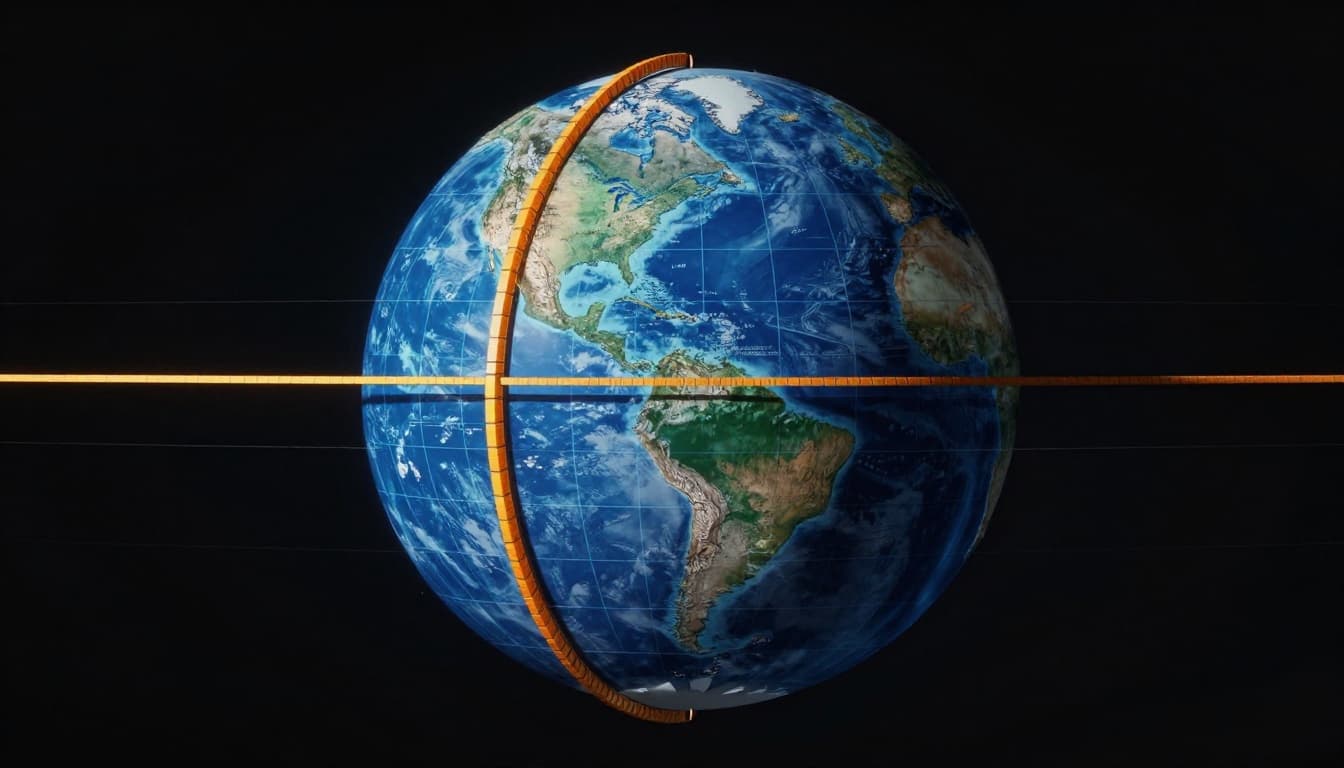
Grasp this, and maps obey you. Coordinates range from -90 to 90 for latitude. Longitude spans -180 to 180. They create a grid over every inch of Earth.
Spotting North-South with Latitude
Latitude starts at zero on the equator. It climbs to 90 north at the North Pole. South drops to -90 at the South Pole. Each degree equals about 69 miles.
New York sits at 40.7128 north. That’s why searches with it nail Manhattan fast. Type it right, and you zoom straight there. Poles mark the extremes, so no spot goes beyond 90.
This north-south measure helps hikers and pilots. It ignores east-west for now. Focus here first, because order matters.
Tracking East-West via Longitude
Longitude zeros out at the prime meridian through Greenwich. It runs 180 east and 180 west, forming a full circle. Each degree covers 69 miles at the equator, less near poles.
London hovers near 0.1 west, or -0.0012. Separate lat and long with a comma and space. So, 51.5074, -0.1278 gets you to Big Ben.
This east-west line crosses every latitude. It completes the pinpoint. Now you know both parts.
Pinpoint Spots Fast on Google Maps with Coordinates
Google Maps handles coordinates like a pro. Enter them in the search bar, and it drops a pin. As of March 2026, it supports decimal degrees, degrees-minutes-seconds, or degrees-minutes. Use a comma and space between numbers.
You can search forward or reverse. Type coords to find a spot. Or right-click a place to grab its coords. No login needed. For deeper steps, check this guide to entering coordinates in Google Maps.
Desktop shines for planning. Mobile fits on the go. Both zoom to street level.
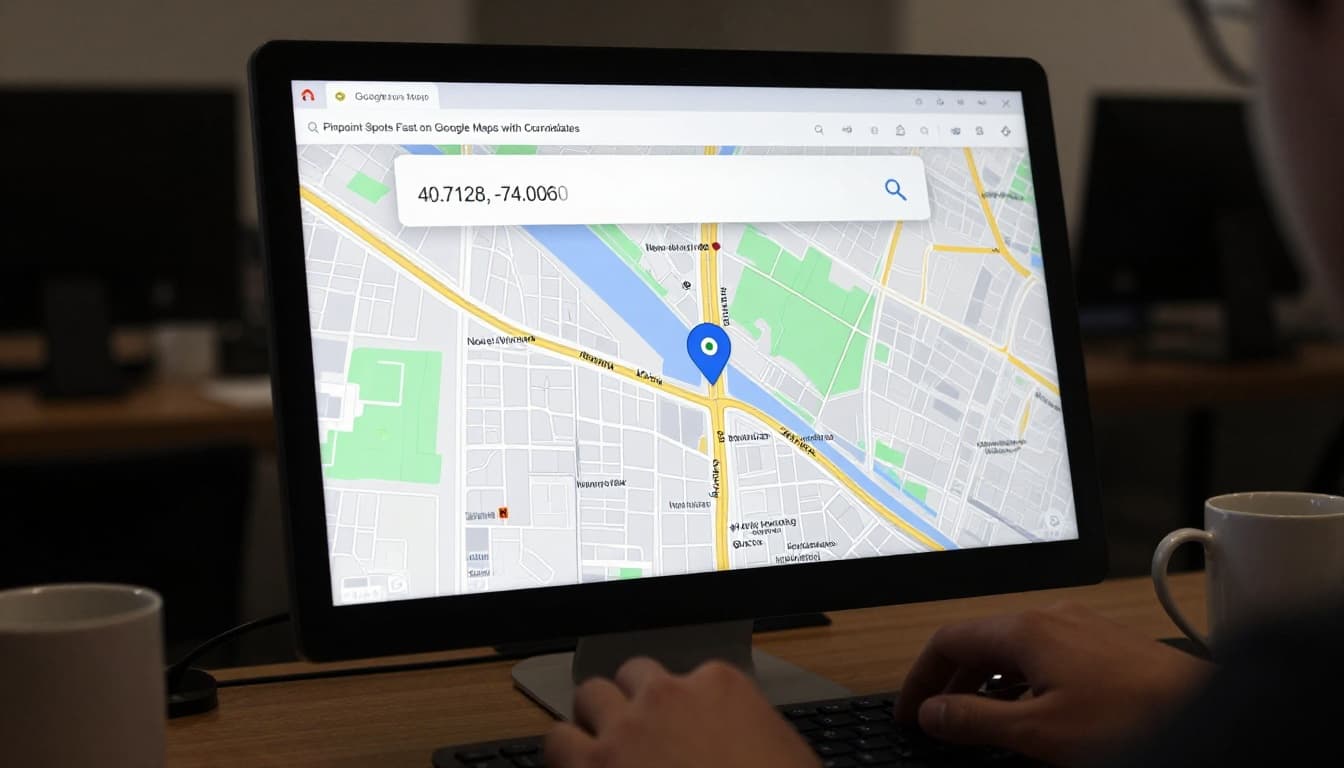
New AI perks help too. Ask “What’s near these coords?” for nearby spots. But basics still rule for exact finds.
Quick Desktop Search: Type Coords and Go
Open google.com/maps on your browser. Click the search bar at top left.
Type coords like 41.40338, 2.17403 for Barcelona’s Sagrada Familia. Hit enter. The map centers there.
Zoom in with your mouse wheel. Drag to refine. Right-click any spot. Select “What’s here?” Coords pop at the bottom. Copy them easy.
This works worldwide. Test with your home address first.
Mobile Magic: Tap and Search on Your Phone
Fire up the Google Maps app on Android or iOS. Tap the search bar.
Enter 40.7128, -74.0060. Press go. Pin drops on Times Square.
Or long-press the map. A pin appears. Tap it for coords in the info card. Share or copy right away.
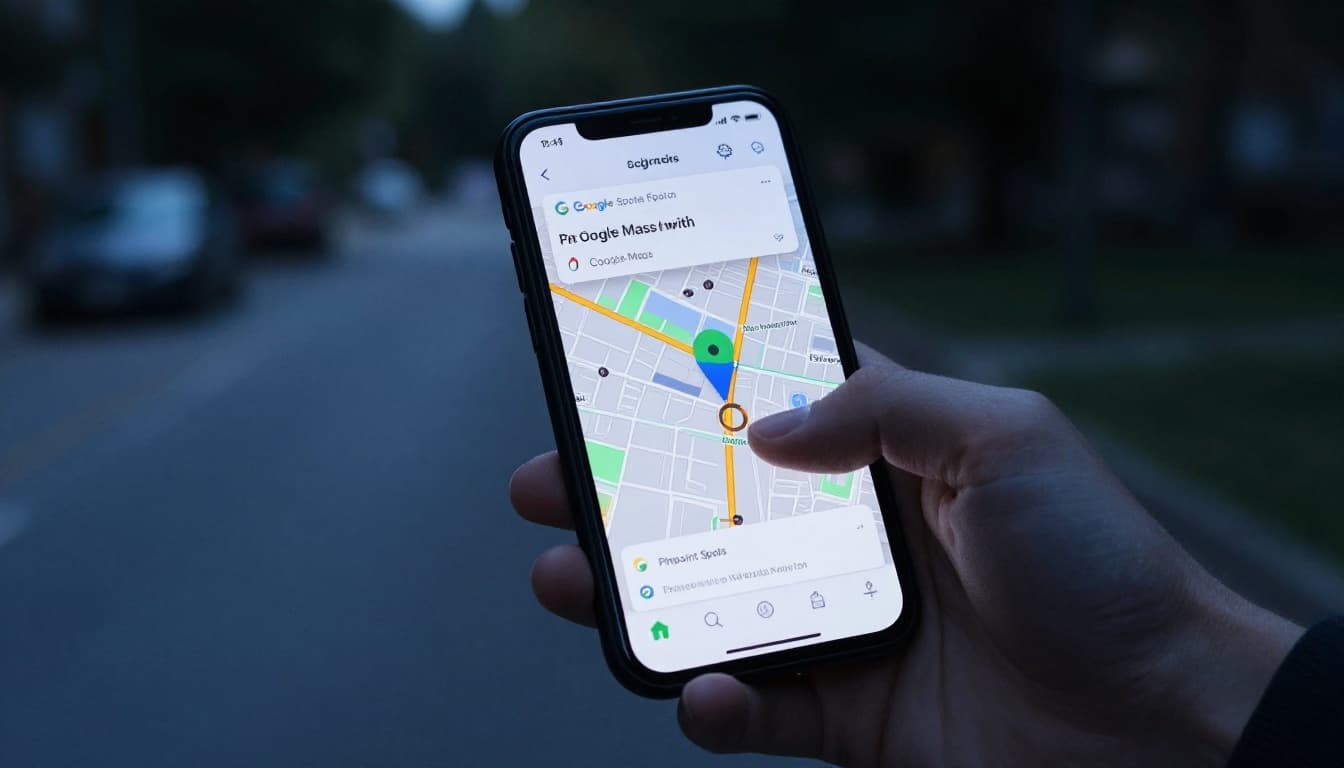
Settings let you switch to satellite view. AI navigation adds 3D routes from those coords. Perfect for drives.
Bonus Tools Beyond Google Maps for Coordinate Hunts
Google Maps rocks, but others shine for quick clicks. Free sites give coords on tap. No apps to download. They show multiple formats too.
Apple Maps works great for iPhone fans. Type coords same way. Sites like GPS-Coordinates.net or Mapscaping add extras.
Pick what fits your flow. Web tools need zero setup.
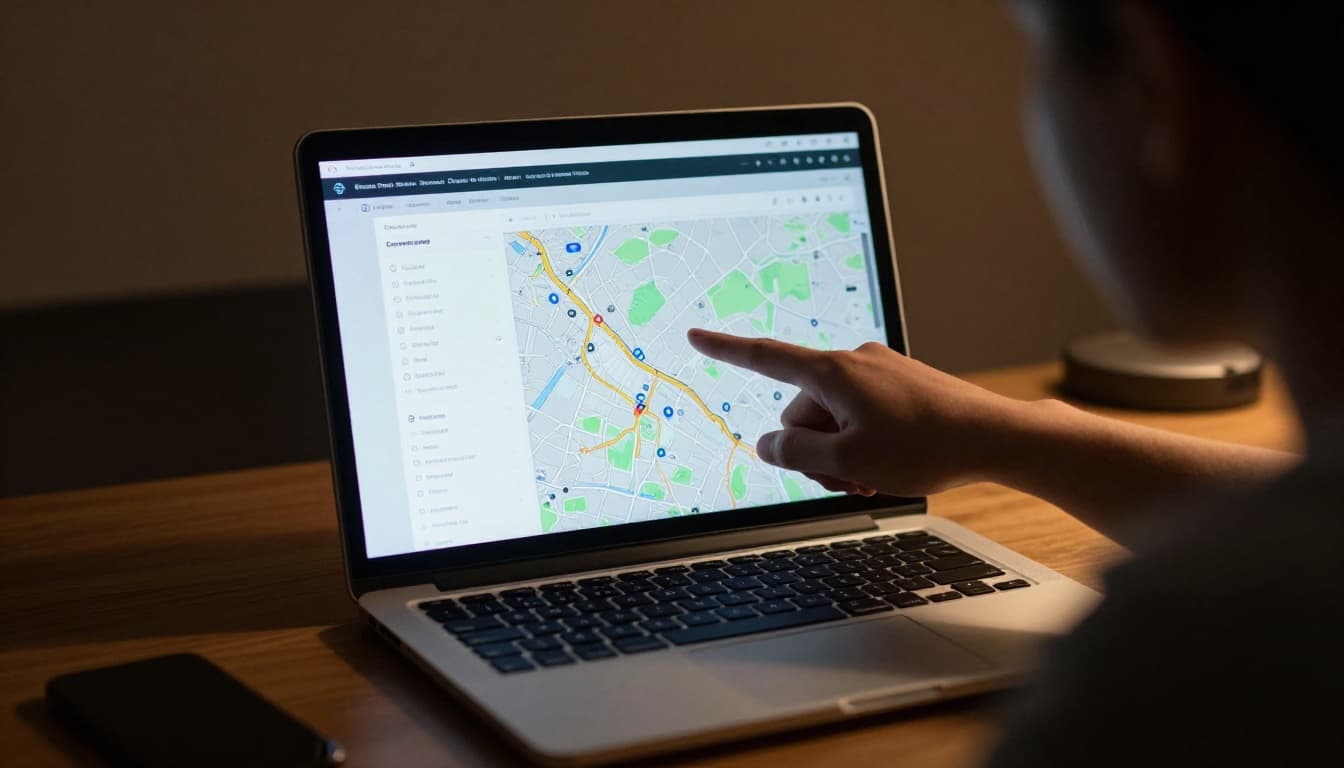
Try Mapscaping’s latitude longitude finder for instant results. Or getcoords.com to manage points.
Free Websites That Drop Coords on Click
Head to gps-coordinates.net. Search an address. Click the map. Lat and long appear in decimal or DMS.
Mapscaping lets you click anywhere. Coords update live. Zoom boosts accuracy to meters.
These beat downloads. They run in any browser. Save spots or export lists.
Apple Maps: Seamless for iPhone Users
Open Apple Maps on your iPhone. Tap the search field.
Enter 37.7749, -122.4194 for San Francisco. Hit search. Pin lands exact.
Tap the pin. Swipe up for coords and address. Copy or share.
Mac works similar. Type in the sidebar. Right-click for info. No extras needed in 2026.
Nail Accuracy and Dodge Common Coord Goofs
Zoom tight for building precision. Drag the pin to tweak. Cross-check with another tool.
Format right: Latitude first, comma, space, longitude. Stick to decimal like 41.40338, 2.17403. DMS works too: 41°24’12″N, 2°10’26″E.
Ranges matter. Latitude stays -90 to 90. Longitude -180 to 180. Wrong order swaps continents.
For pitfalls, see this explanation of latitude-longitude order. It saves headaches.
Test fixes live. Enter wrong, see the error. Correct it, nail the spot.
Top Formatting Tricks for Foolproof Searches
Use decimal degrees most. Add space after comma. No thousands separators like 41,403. Write 41.403.
DMS example: 40°42’46″N 74°00’21″W. Google and Apple parse it.
Check ranges quick. Over 90 latitude? Flip signs or trim.
Mistakes That Mess Up Your Map Search
Swap lat and long. You land in the ocean. Always lat first.
Forget the space post-comma. Search fails. Add it.
Invalid numbers like 100 latitude. Maps rejects. Stay in bounds.
Regional commas confuse. Use period for decimals. Fix by recopying clean.
Master these, and you own any coord.
Knowing latitude and longitude puts you in control. You find exact spots with Google Maps or bonus tools. Dodge goofs by formatting sharp.
Try 40.7128, -74.0060 now. See Times Square pop up. Share your favorite coord in comments. What spot will you hunt next? Drop it below for tips.